


In this post, we explore how to annotate a wall section using material tags and material keynotes. We use the example of a wall section here to illustrate this, but this same process can be applied to material annotations in other areas as well.
For more information, please contact us at info@ddscad.com
Related Posts
July 1, 2026
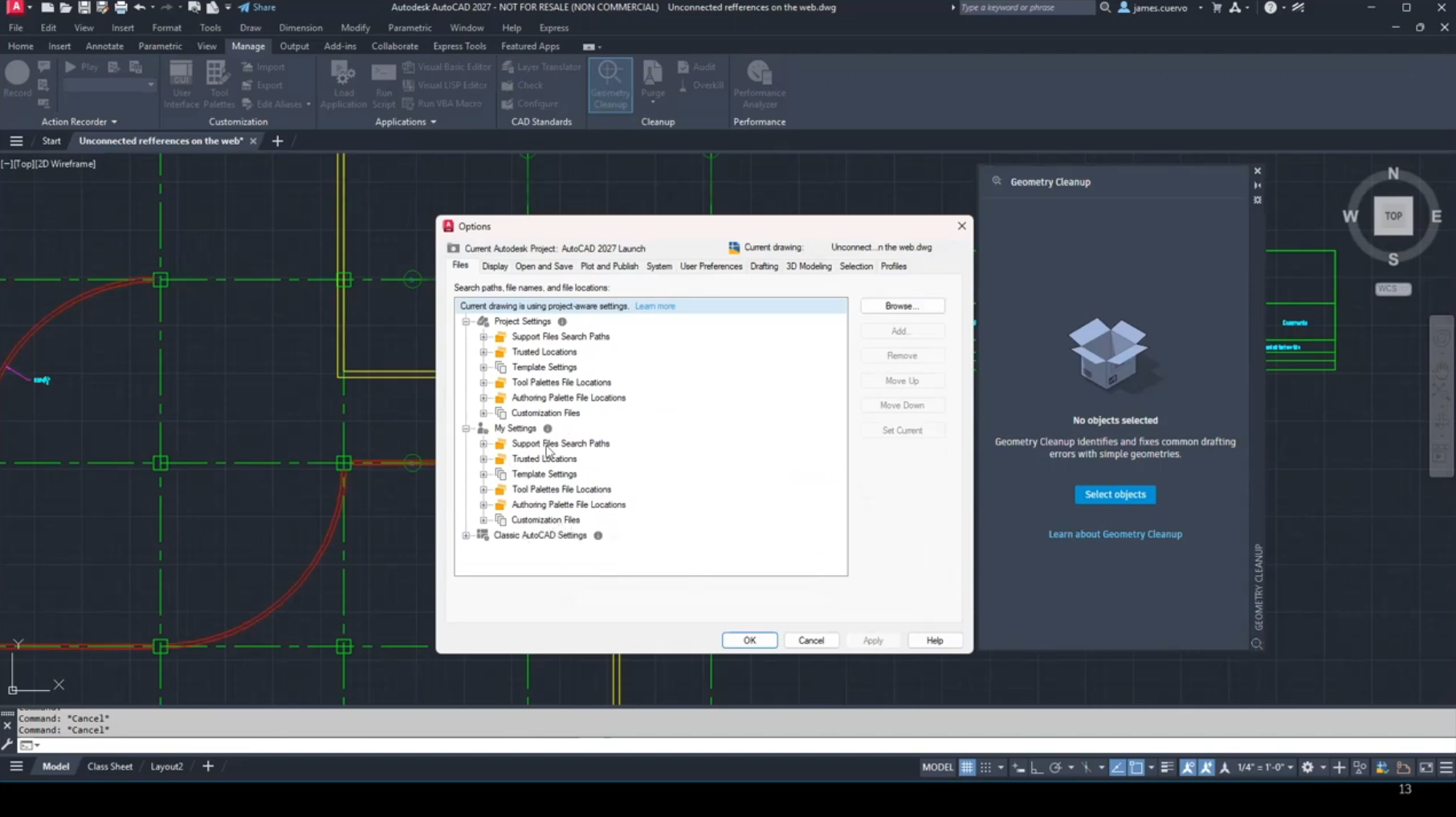
Connected Support Files – What’s New in AutoCAD 2027
This video is an excerpt from our “What’s New in AutoCAD 2027” Webinar. It focuses…
July 1, 2026
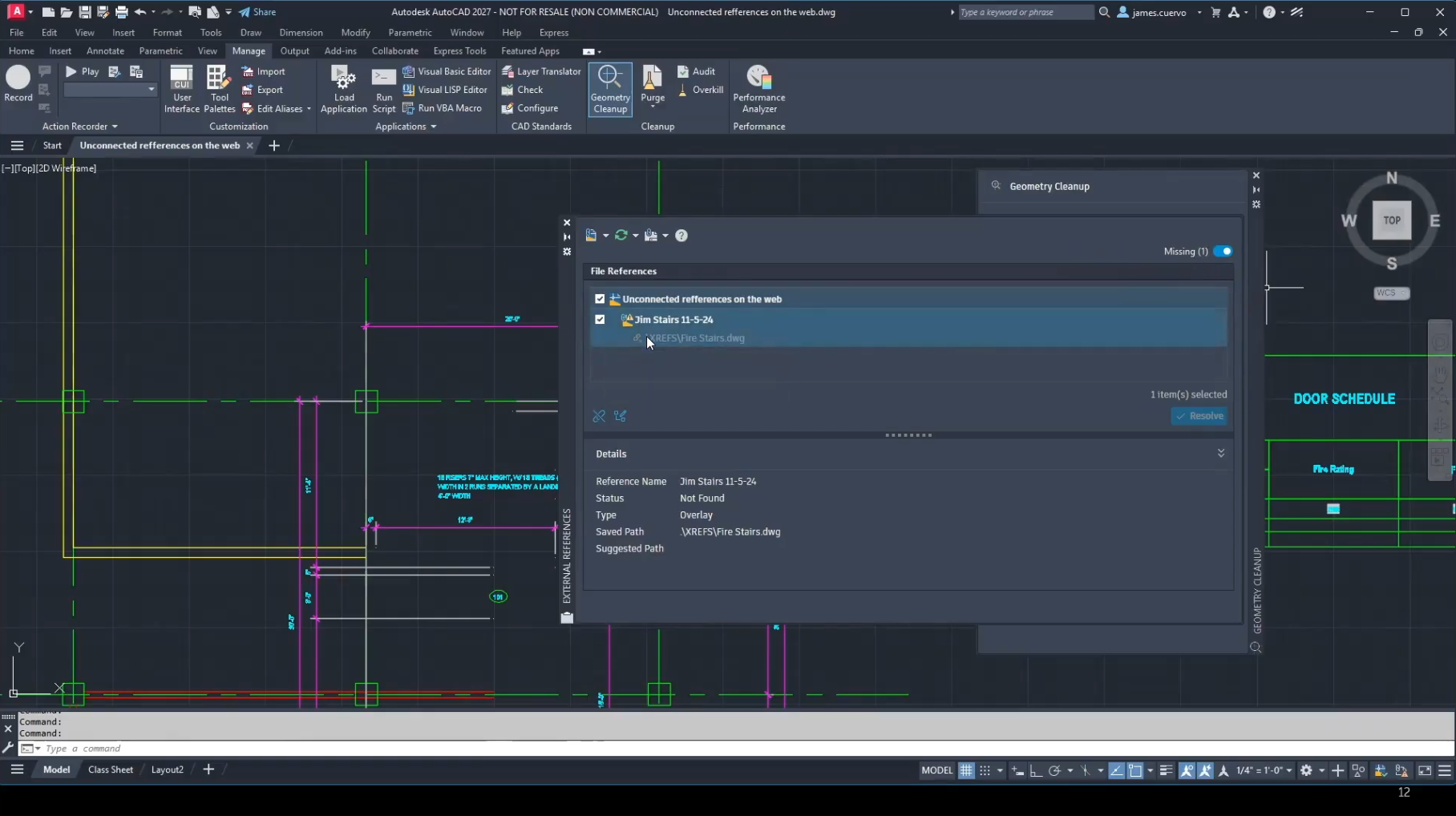
Connected References – What’s New in AutoCAD 2027
This video is an excerpt from our “What’s New in AutoCAD 2027” Webinar. It focuses…
July 1, 2026
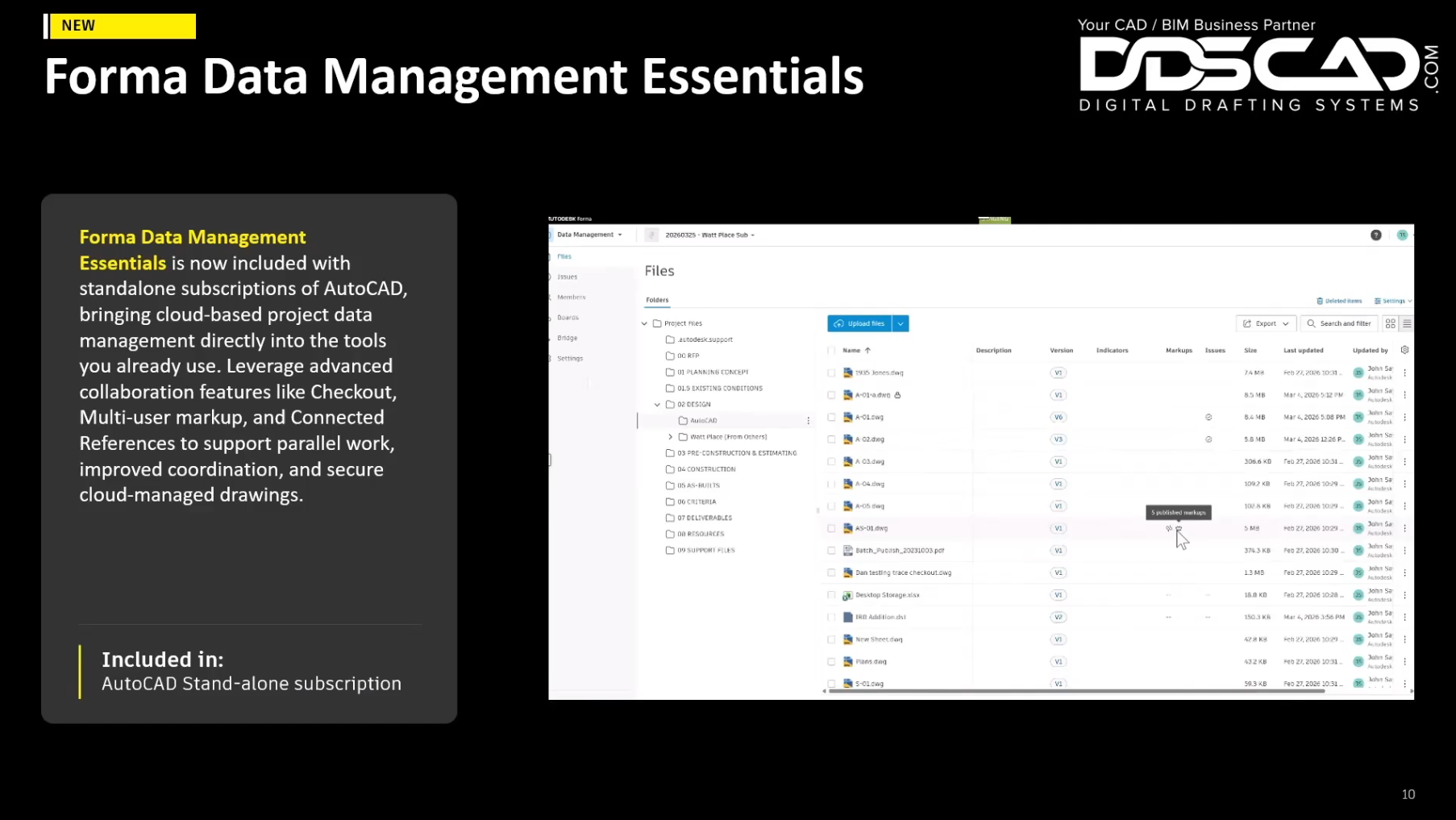
Checkout – What’s New in AutoCAD 2027
This video is an excerpt from our “What’s New in AutoCAD 2027” Webinar. It focuses…
July 1, 2026
Forma Data Management Essentials – What’s New in AutoCAD 2027
This video is an excerpt from our “What’s New in AutoCAD 2027” Webinar. It focuses…