

January 31, 2024
Prime Design Implements BIM 360 to Increase Collaboration Abilities – Success Story
Customer challenge Prime Design wanted to expand their collaborative abilities beyond the confines of the office. They wanted to enable some of their employees with more diverse schedules to be able to continue to collaborate from home and they wanted to open the door to collaborating in models shared with and linked to those used…
Read more
POSTED BY
Alan Birmaher

January 31, 2024
G Alvarez Studio Adopts New BIM Templates and Standards – Success Story
Customer challenge G Alvarez Studio approached DDSCAD as a legacy Autodesk AutoCAD customer, who was highly interested in adopting Building Information Modeling (BIM), while maintaining the traditional appeal of their custom in-house graphic CAD standards. Project goals G Alvarez Studio wanted to train its production staff to use Autodesk Revit (BIM) software to successfully complete…
Read more POSTED BY
Alan Birmaher
February 22, 2023
Material Annotations in Revit
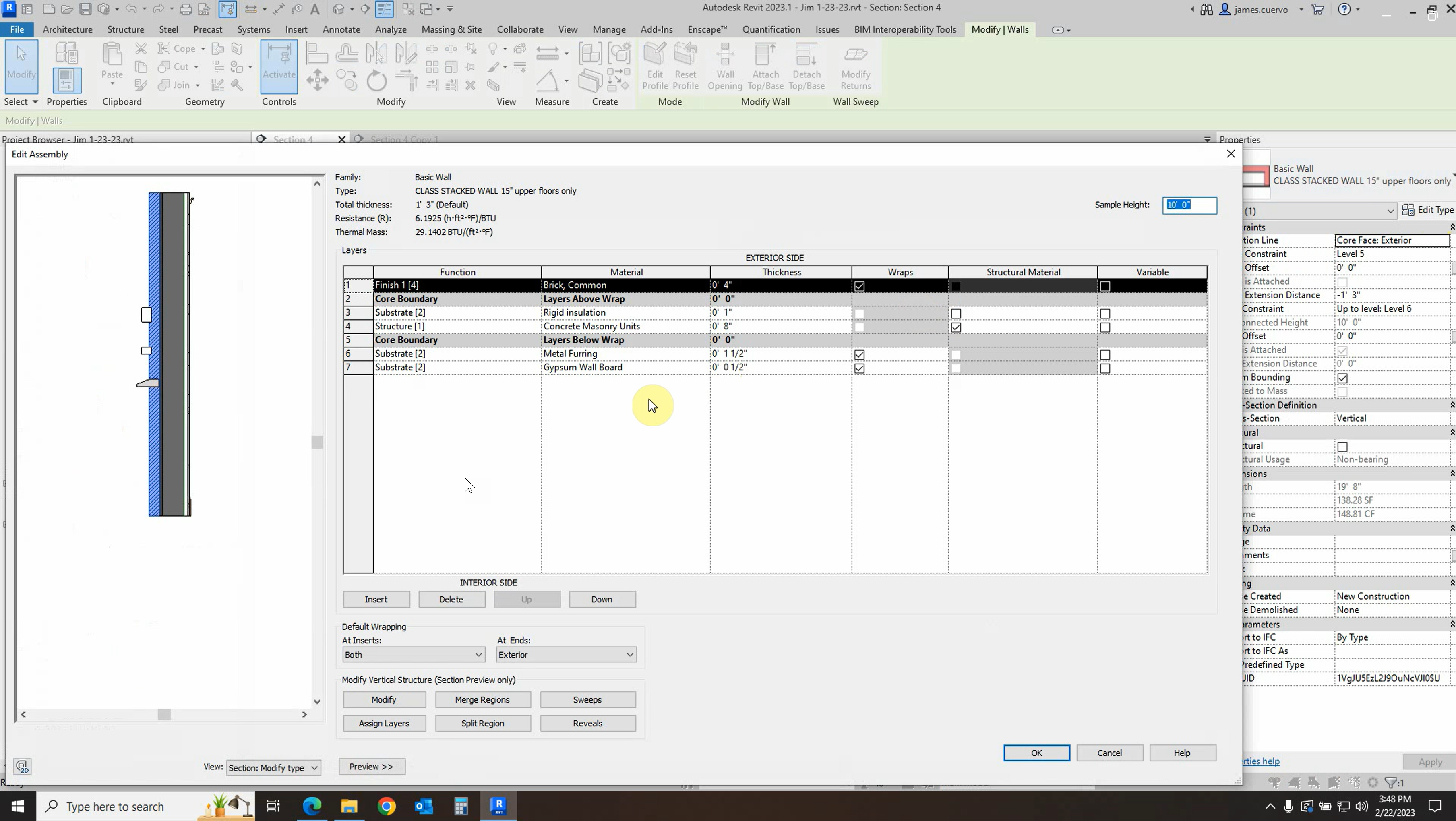
In this post, we explore how to annotate a wall section using material tags and material keynotes. We use the example of a wall section here to illustrate this, but this same process can be applied to material annotations in other areas as well. For more information, please contact us at info@ddscad.com
Read more POSTED BY
Alan Birmaher
November 7, 2022
Uninstall Procedure for Autodesk Software
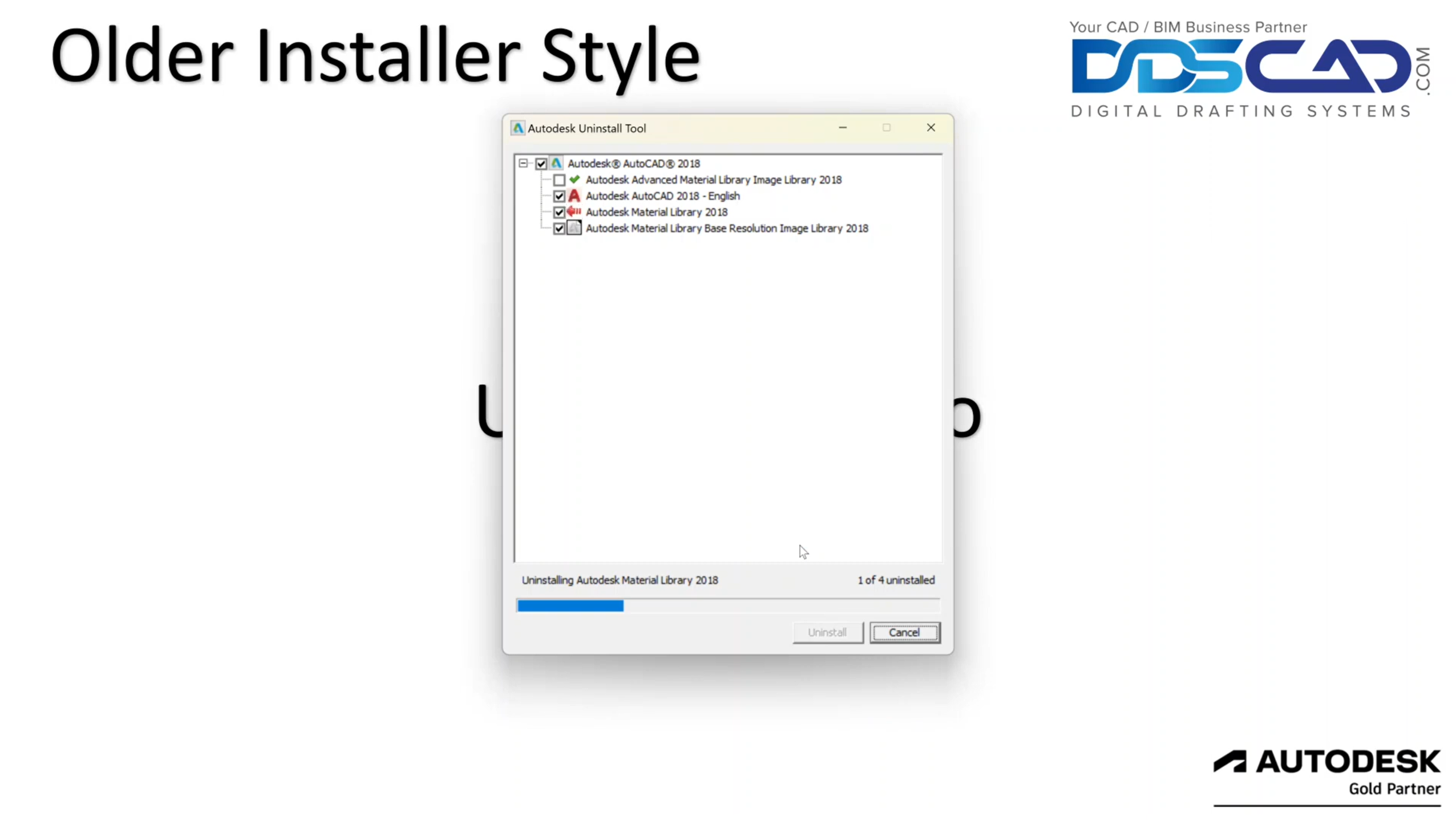
There are many reasons why you might want to fully uninstall certain Autodesk software. Typically, we do this with the regular Windows Uninstall feature, but Autodesk has some tools to make the job a little easier. Join our Customer Success Manager, Alan Birmaher, as he demonstrates thorough uninstall procedures to help you clean up your…
Read more POSTED BY
Alan Birmaher

March 29, 2022
Intro to Rendering in Revit Using Enscape
Enscpae is an extremely powerful Render engine that can bring your Revit models to life. This video walks you through the process of bringing your Revit model into the world of Enscape so that you can experience it in a much more realistic way! For more information, please contact us at info@ddscad.com
Read more POSTED BY
Alan Birmaher
November 10, 2021
Autodesk reveals new logo, look, and feel
Today we’re excited to introduce a new look and feel for Autodesk, including a new logo, colors, and imagery. This change is the first of several bold moves we’re making as a company to reimagine the Autodesk brand—one that underscores our belief that a better world can be designed and made for all. Dynamic, modern, and…
Read more POSTED BY
Alan Birmaher
August 18, 2020
Getting Up and Running with your Autodesk Software
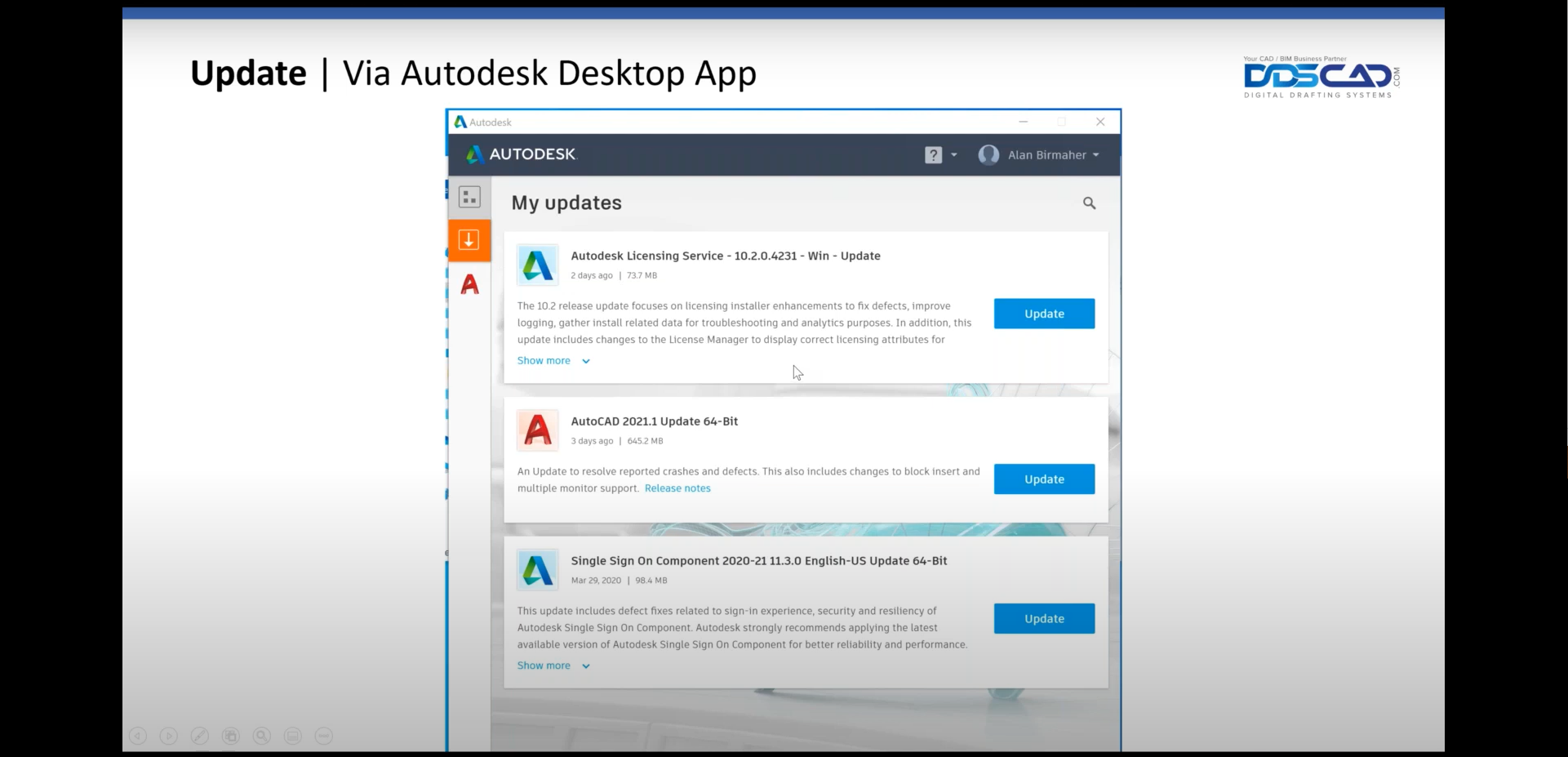
Managing our Autodesk software can be daunting, especially if we have a specific collection of programs. There are many tools that can help us install, update, and uninstall our software efficiently. When we want to install our software, we can do so by logging into our Autodesk account and using the “Browser Download” option to…
Read more POSTED BY
Alan Birmaher
August 11, 2020
Get to Know your Autodesk Account
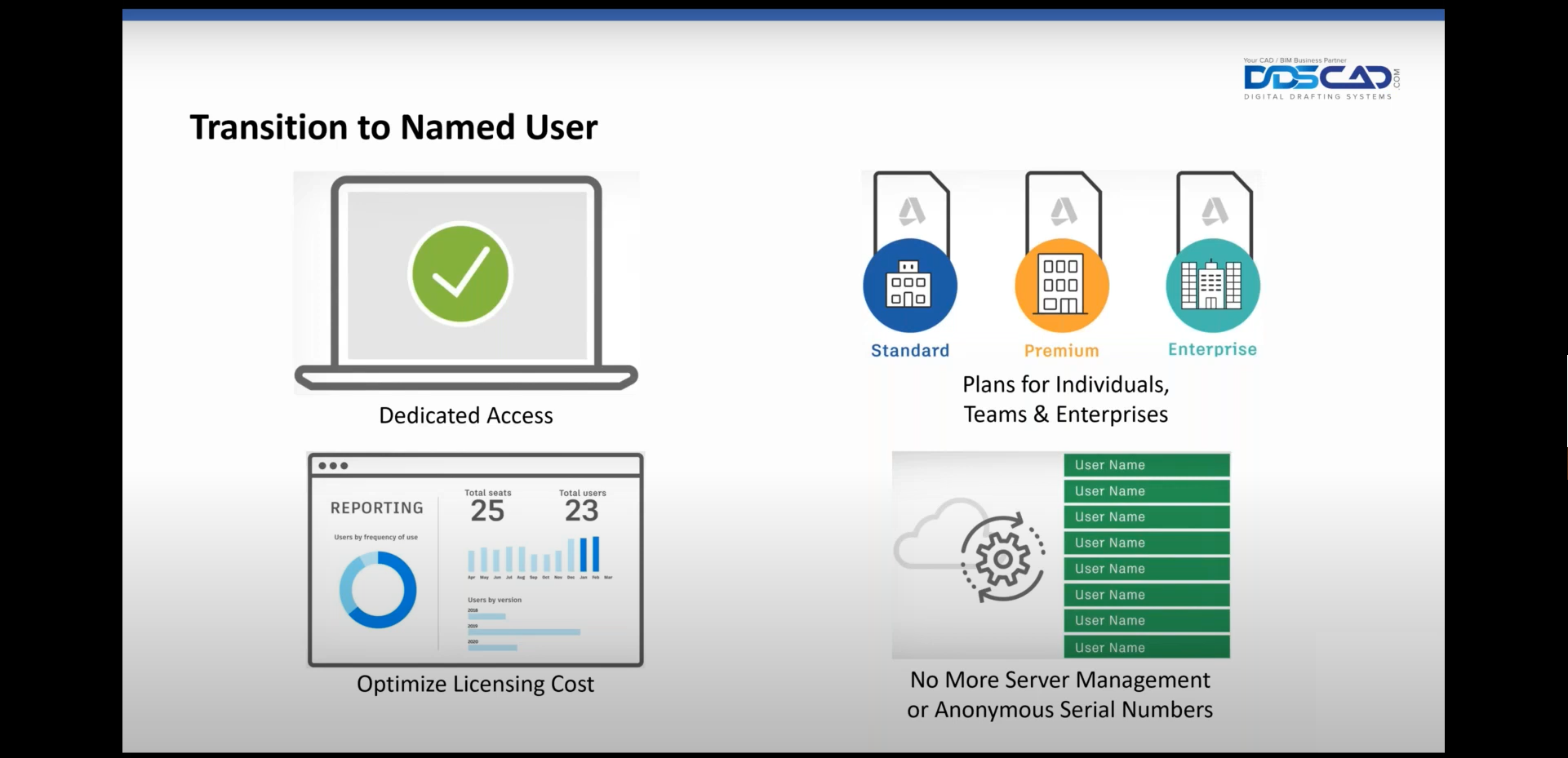
Your Autodesk account is a hub for your Autodesk software licenses and downloads. Using your Autodesk account, an administrator may assign or remove licenses for their users. Instead of using complex serial numbers to manage users, each user has a unique name. Administrators can keep track of users, their role, and which products they’re currently…
Read more POSTED BY