
While we can manage multiple revisions of our PDF projects by renaming them with different dates and using other naming conventions, this method becomes tedious and can generate extra efforts. Instead, we can use a more robust and automated system within Bluebeam Revu called "Sets".
Each revision of the same "set" of pages can be managed and documented as "older" and "newer". Older revisions can be designated as such with visual indicators and organized in Revu without having to change filenames externally. A new "Set" file is created, and this can be exported and imported on multiple devices for ease-of-use.
By utilizing Sets in Revu, we can expedite and organize our project files quite efficiently. For more information, please contact us at info@ddscad.com.
Related Posts
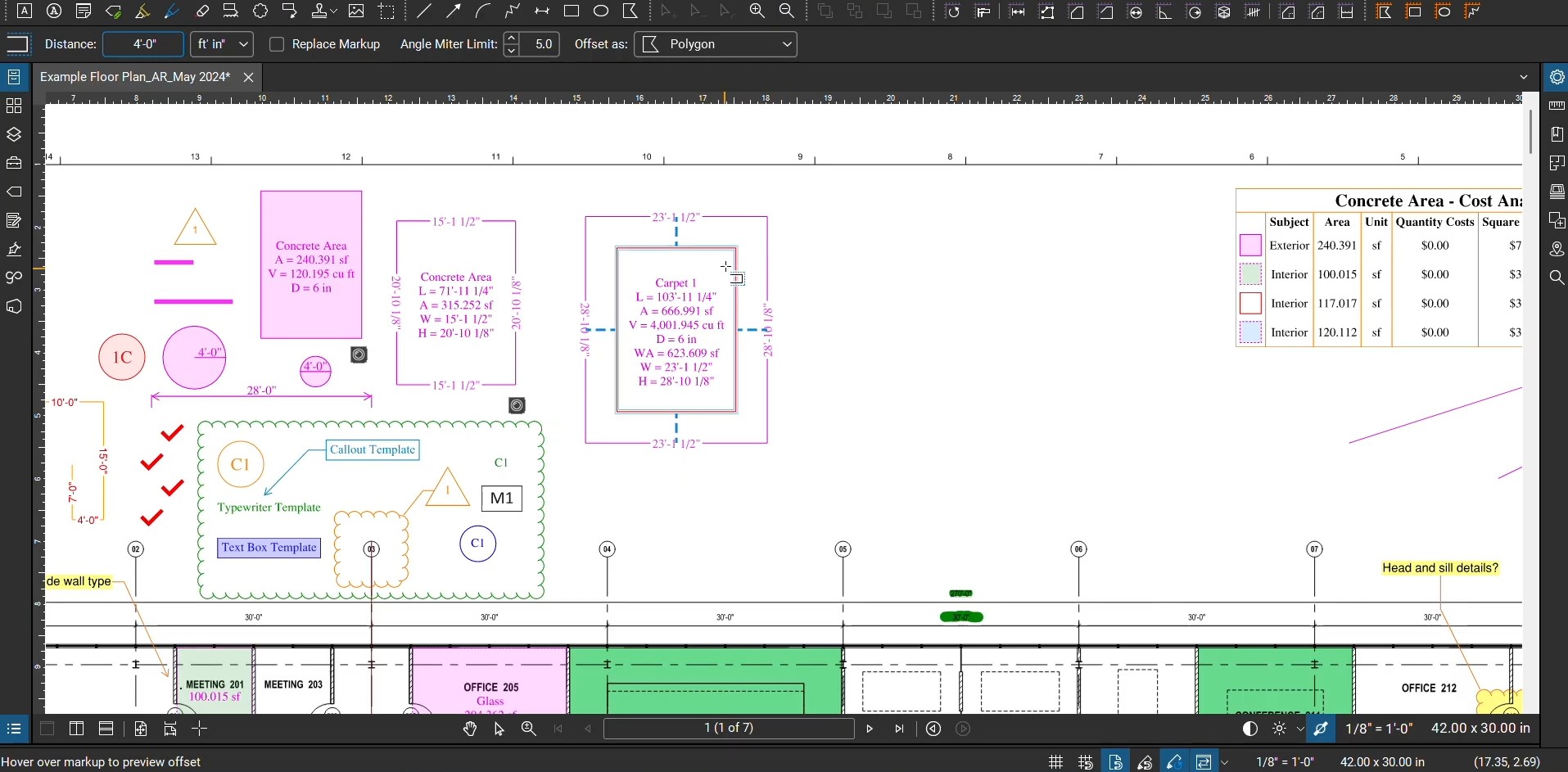
Offsets with Bluebeam Revu
Many architects, engineers, and draftsmen have enjoyed the ability to digitally move lines and objects…
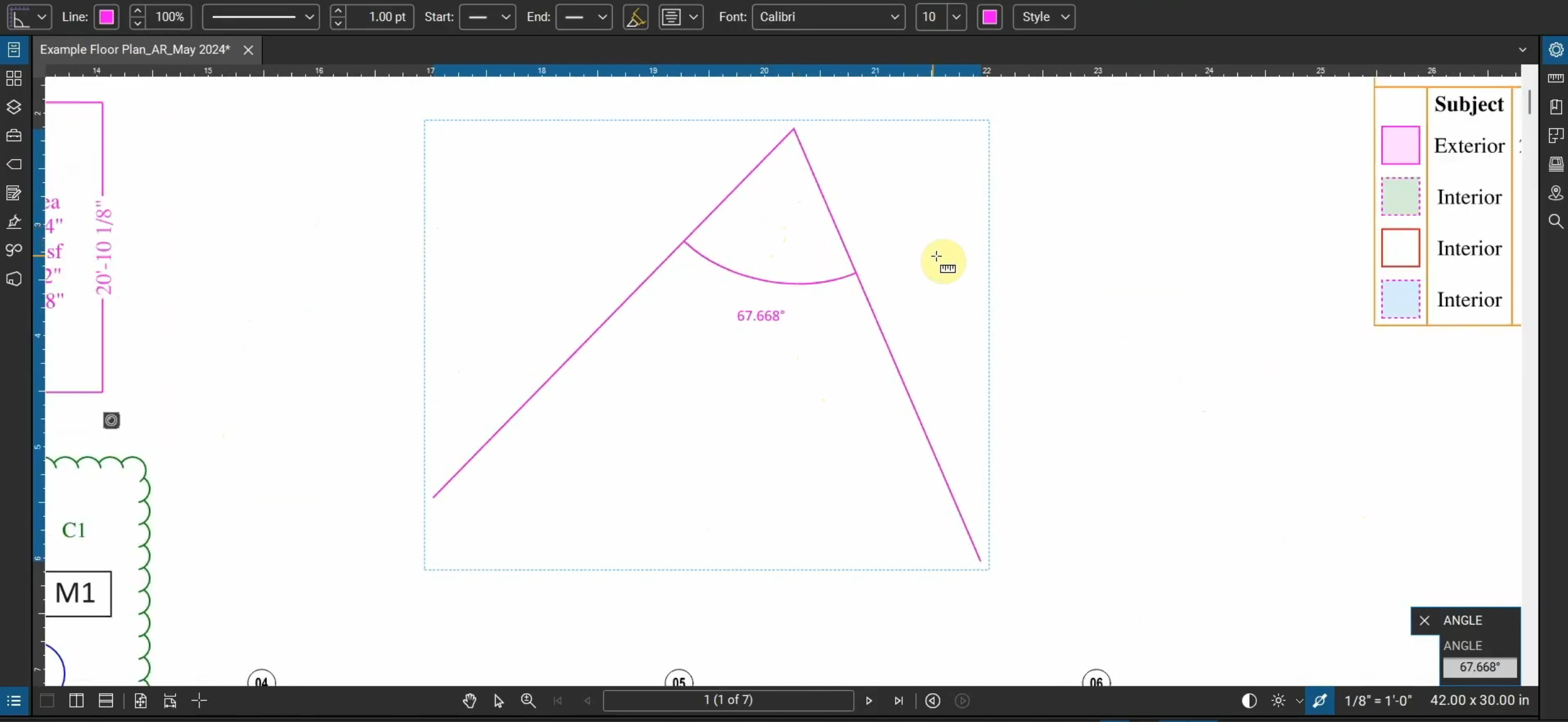
Measure Angles in Bluebeam Revu
Not only can we create linear, area, and volume measurements in Bluebeam Revu, but we…
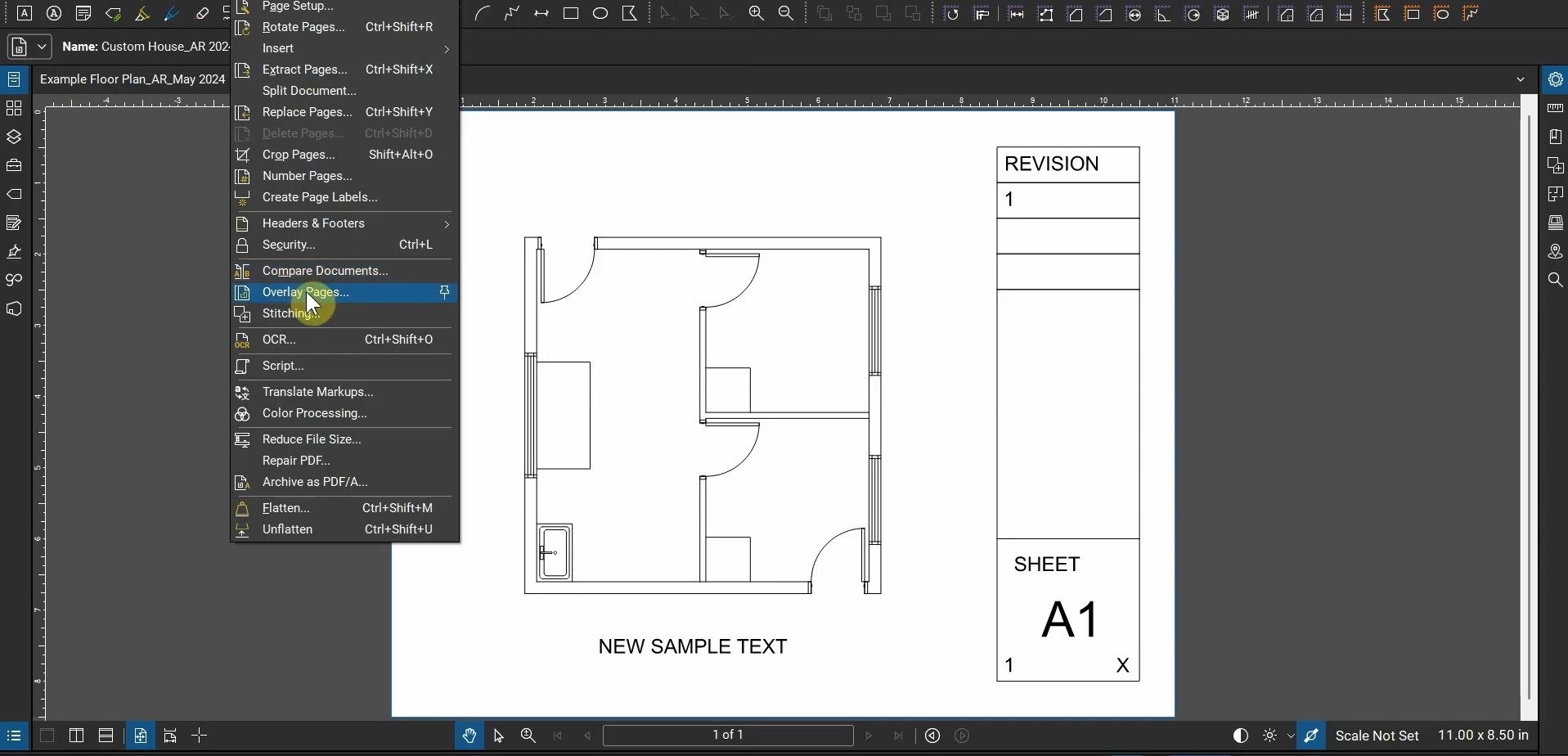
Architectural Workflows with Bluebeam Revu
Where does Bluebeam Revu fit into an architect’s workflow? This video goes over creating PDFs…

Fix the Bluebeam Printer Plugin
After we install Bluebeam Revu, we’re able to use the Bluebeam Printer in many programs.…