


Related Posts
October 30, 2026
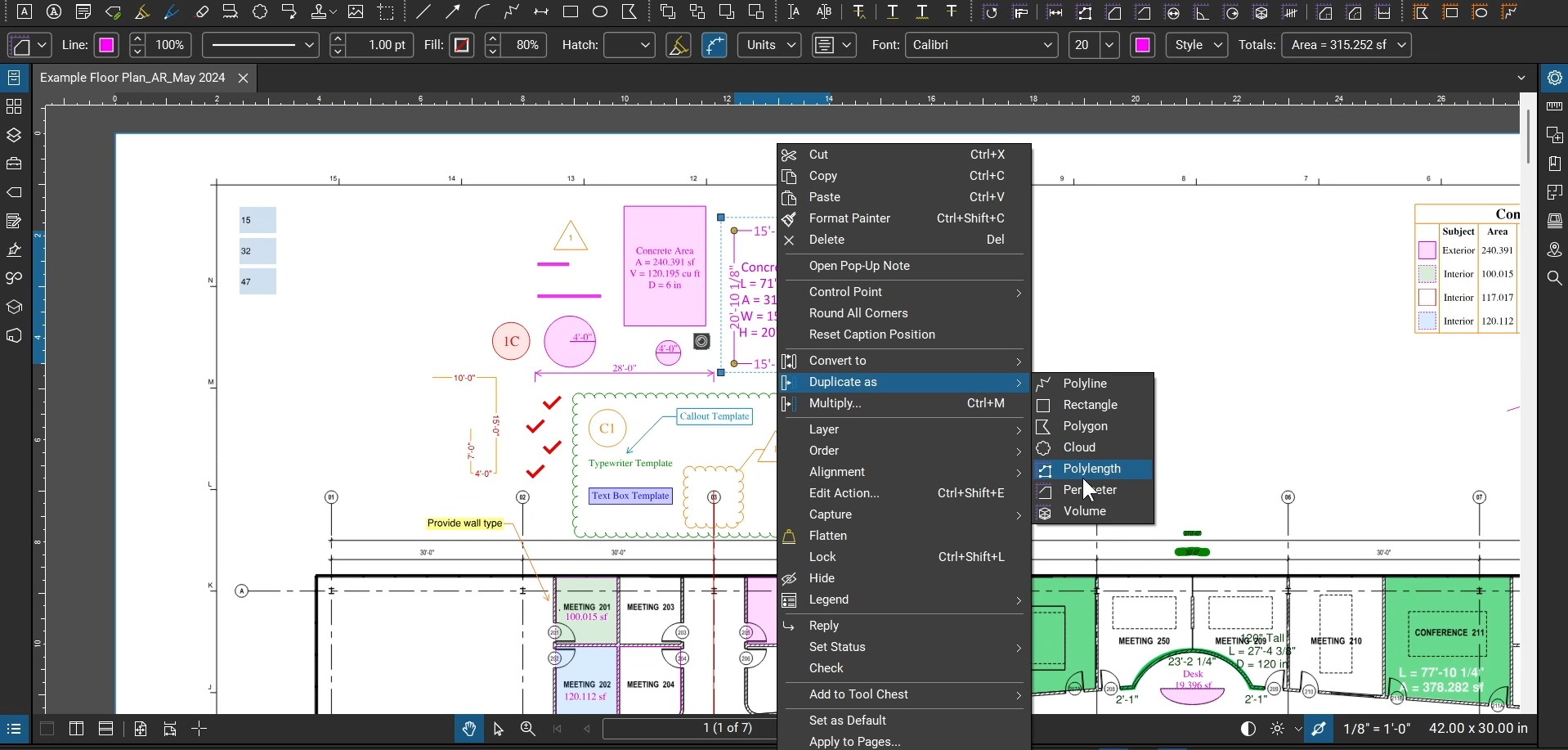
Duplicate Markups & Measurements with Bluebeam Revu
Bluebeam Revu released a new quality-of-life feature that allows us to duplicate markups and measurements…
September 18, 2026
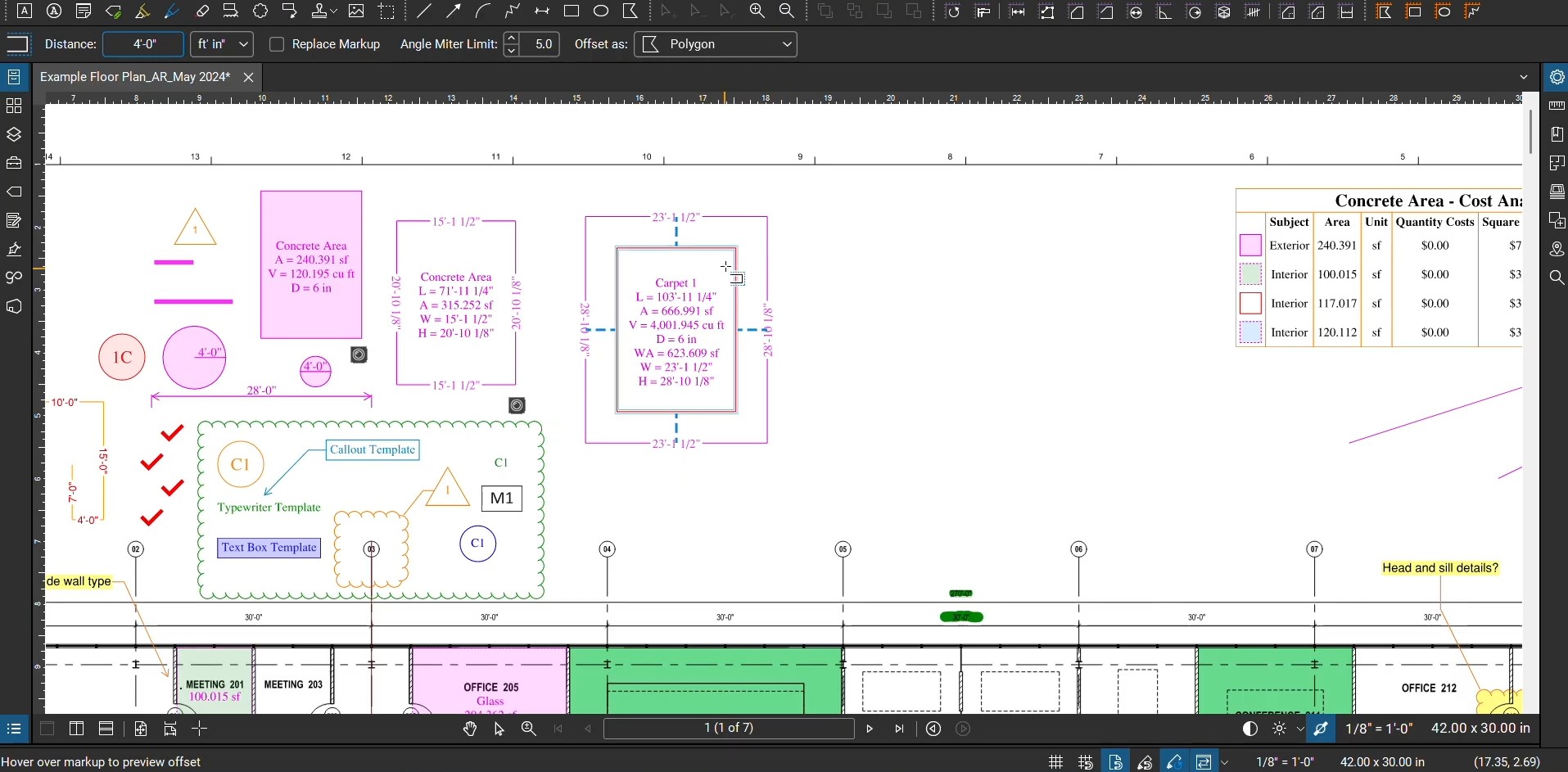
Offsets with Bluebeam Revu
Many architects, engineers, and draftsmen have enjoyed the ability to digitally move lines and objects…
July 29, 2026
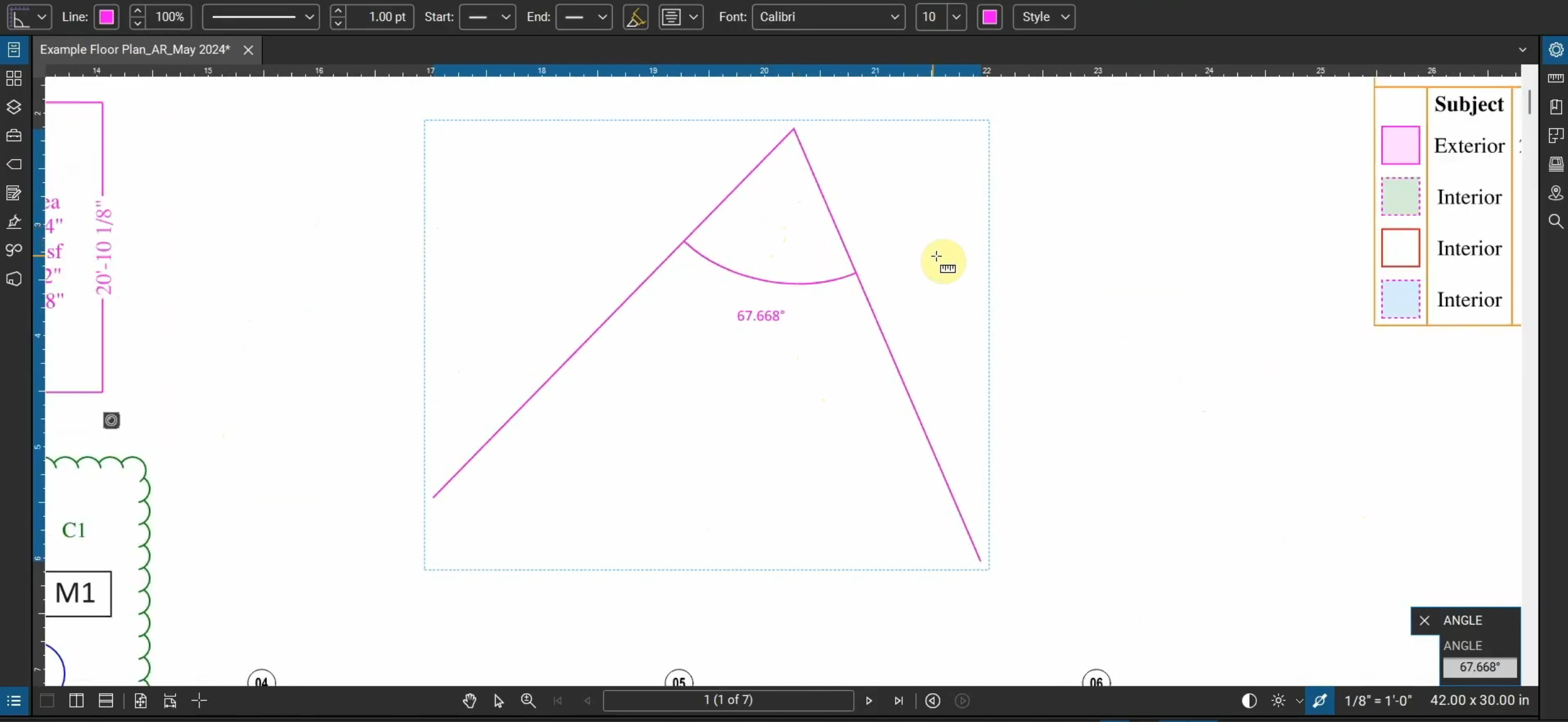
Measure Angles in Bluebeam Revu
Not only can we create linear, area, and volume measurements in Bluebeam Revu, but we…
May 29, 2026
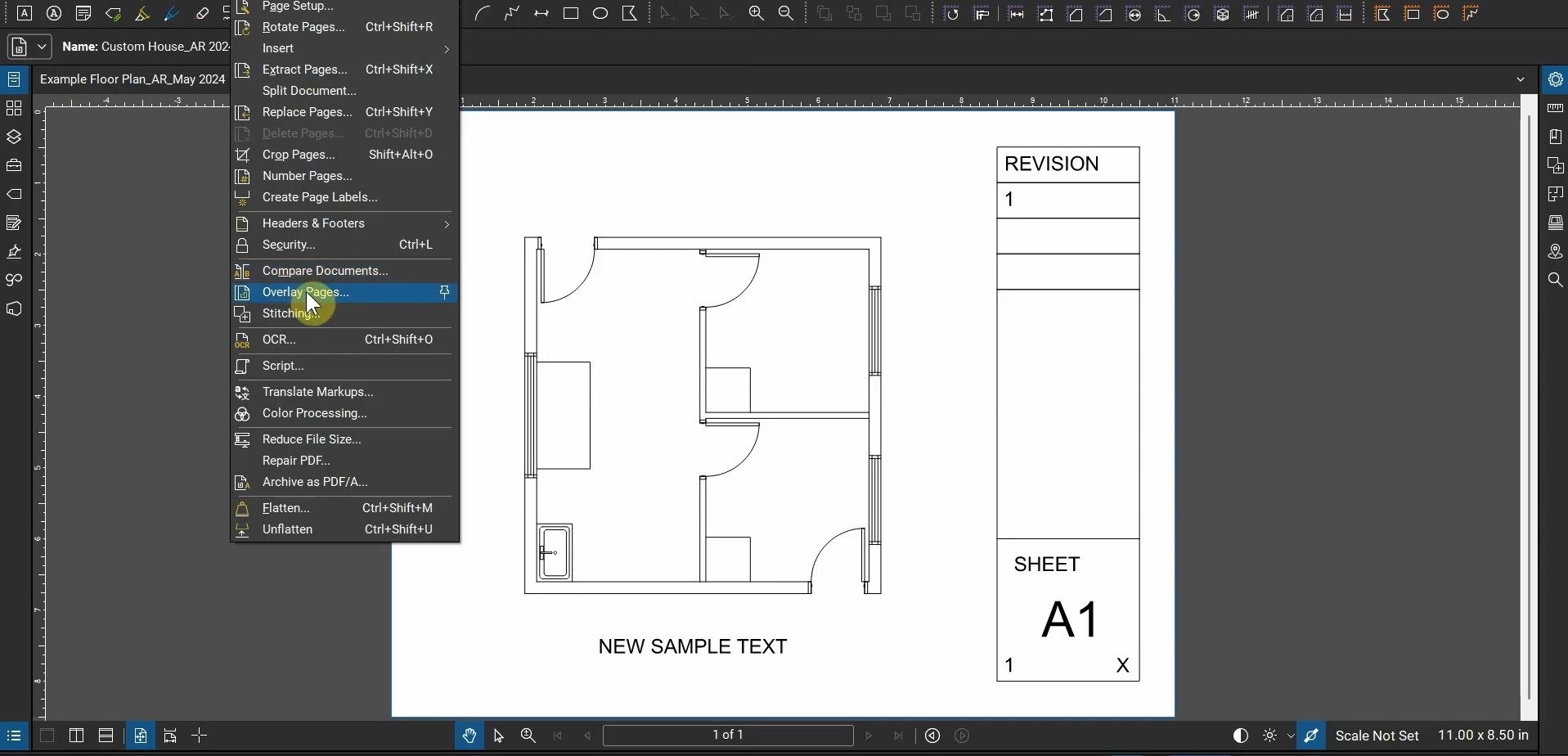
Architectural Workflows with Bluebeam Revu
Where does Bluebeam Revu fit into an architect’s workflow? This video goes over creating PDFs…