

Verifying the identity of a signature is important since anyone can create a signature and associate an email with it. To circumvent this, we can hire a third-party company like IdenTrust to verify our identity and issue us a third-party authenticated signature.
After using this specialized signature and sharing our signed PDFs, some recipients will notice that the signature's status displays "Signer's Identity Unknown" in Bluebeam Revu. This can be fixed by installing a couple of files issued by the Federal Government that expire on our devices based on our operating systems.
Within minutes, we can fix this error and properly view third-party signatures validly. For more information, please contact us at info@ddscad.com.
Related Posts
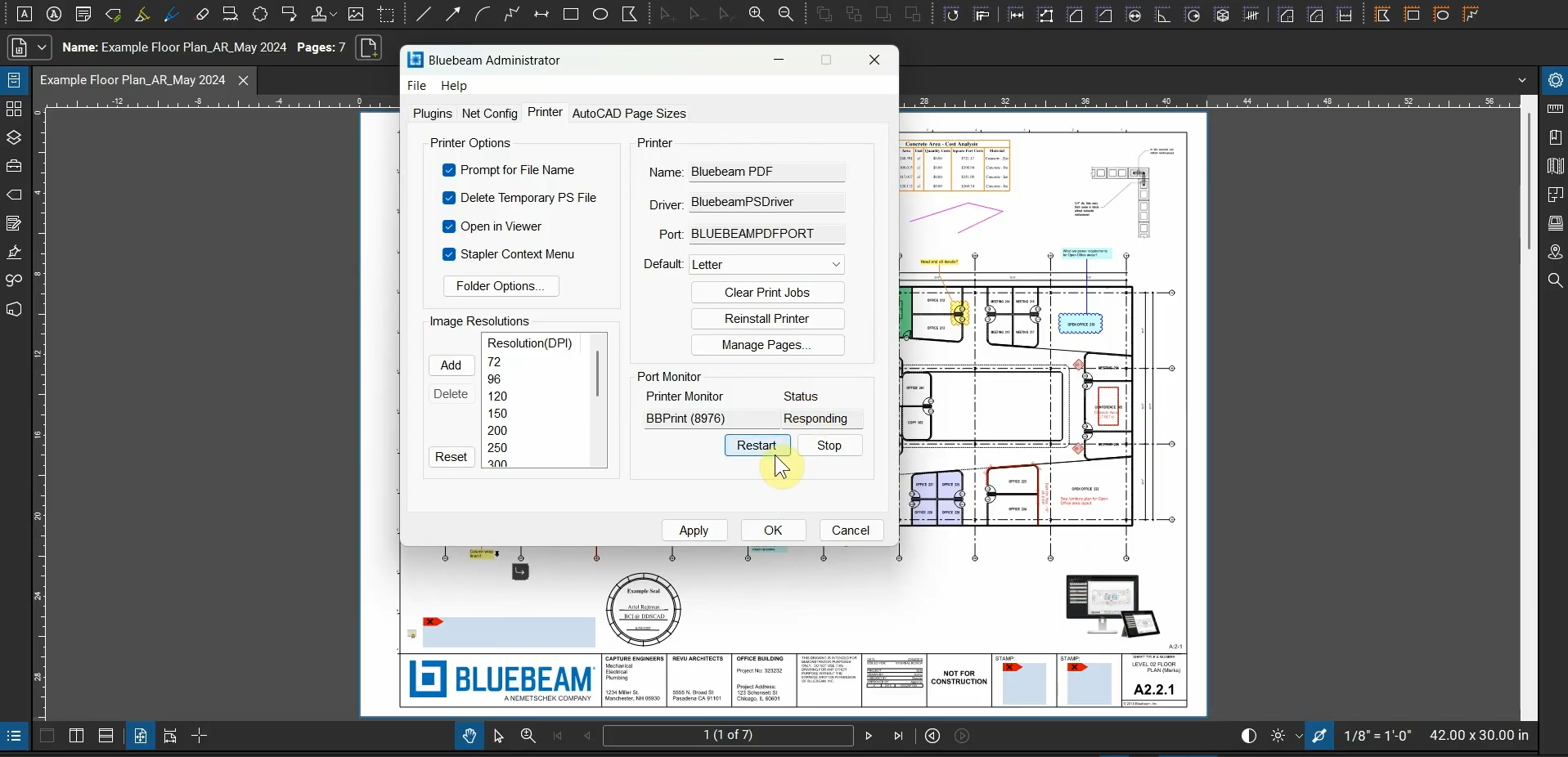
Fix the Bluebeam Printer Plugin
After we install Bluebeam Revu, we’re able to use the Bluebeam Printer in many programs.…
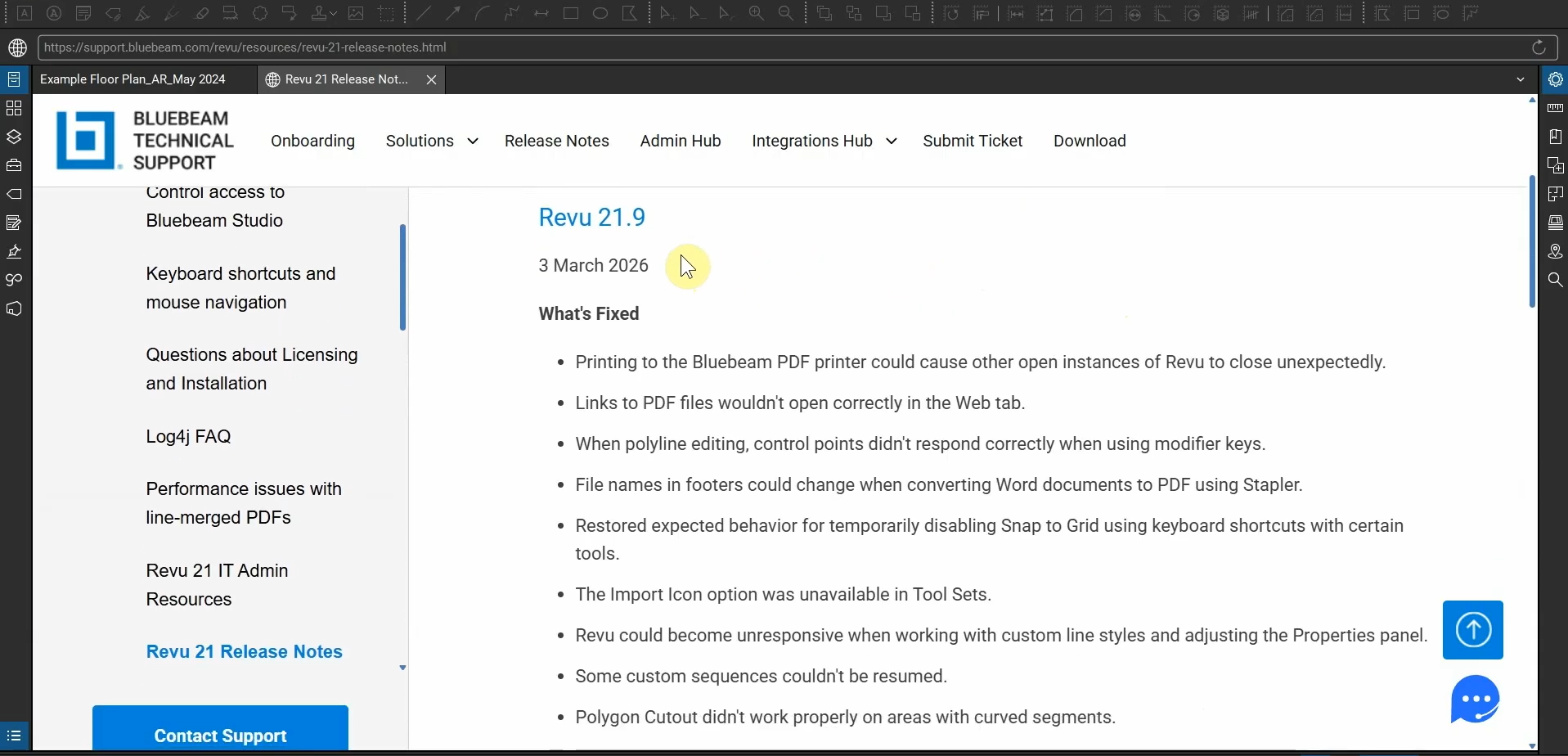
What’s New with Bluebeam Revu 21.9
Bluebeam Revu’s been updated to version 21.9! This update provides fixes to printing bugs, control…
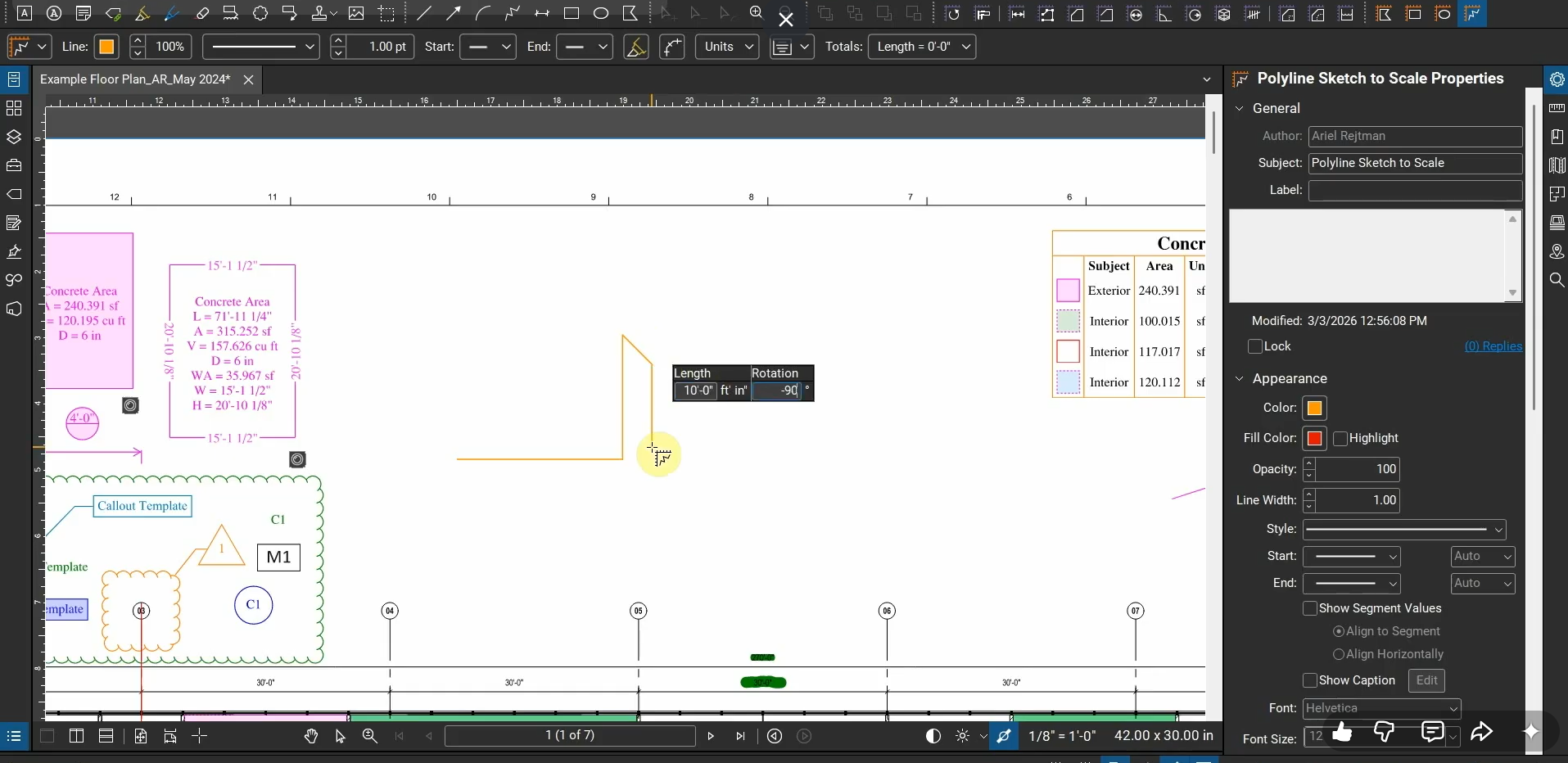
Create Precise Designs with Sketch to Scale Tools in Bluebeam Revu
Instead of relying on relative measurements that can’t be set to a specific measurement without…
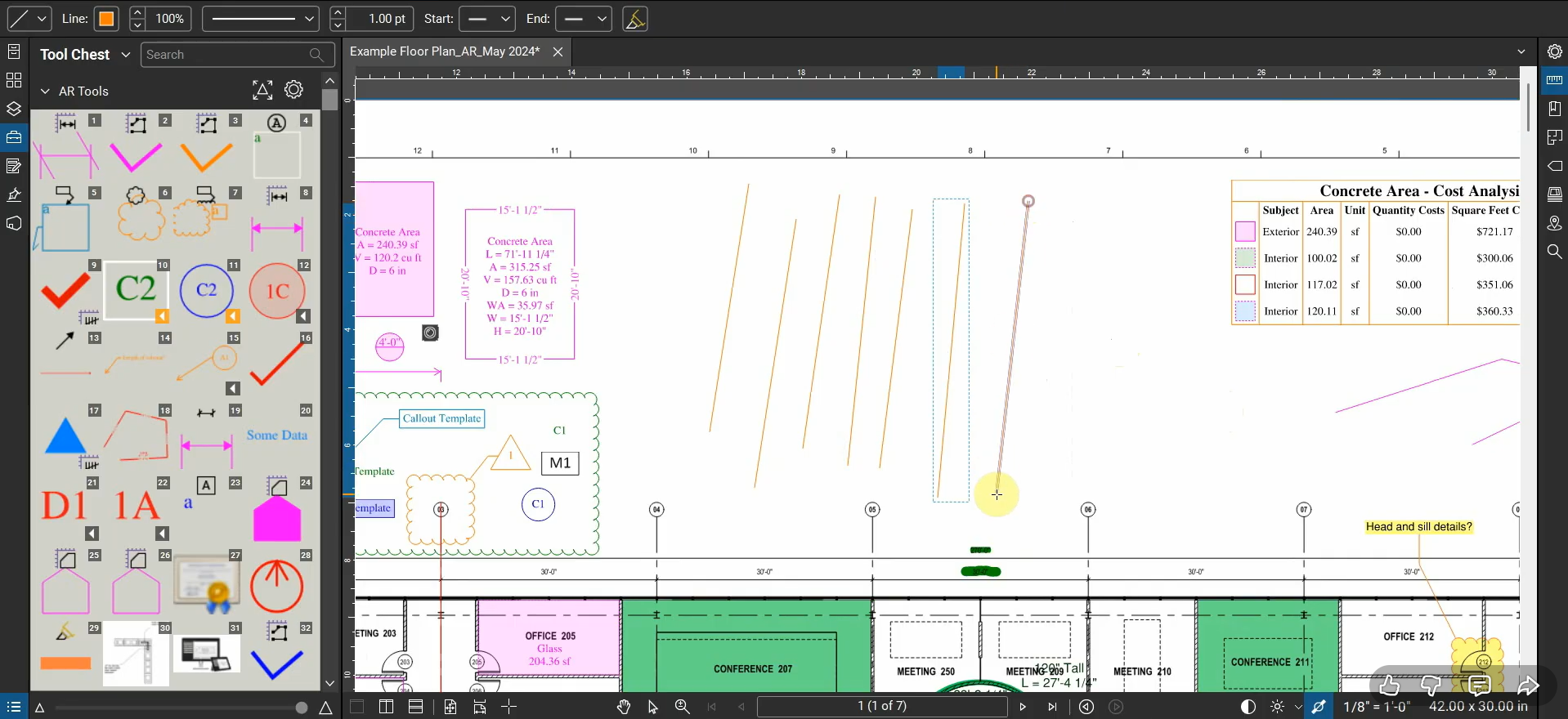
Reuse Markup Tools with Bluebeam Revu
When we create a Markup in Revu, our cursor automatically de-selects the tool, so if…