


May 31, 2024
In-Canvas Wall Wrapping Controls – What’s New in Revit 2025 Webinar
This video is an excerpt from our “What’s New in Revit 2025” Webinar. It focuses on the topic of In-Canvas Wall Wrapping Controls. Join our Senior AEC Technical Specialist, James Cuervo, as he takes a deep dive into Revit 2025. With so many new features being introduced, we won’t have time to cover them all…
Read more
POSTED BY
James Cuervo

May 31, 2024
Create Walls with Auto Join and Lock – What’s New in Revit 2025 Webinar
This video is an excerpt from our “What’s New in Revit 2025” Webinar. It focuses on the topic of Create Walls with Auto Join and Lock. Join our Senior AEC Technical Specialist, James Cuervo, as he takes a deep dive into Revit 2025. With so many new features being introduced, we won’t have time to…
Read more POSTED BY
James Cuervo
April 11, 2024
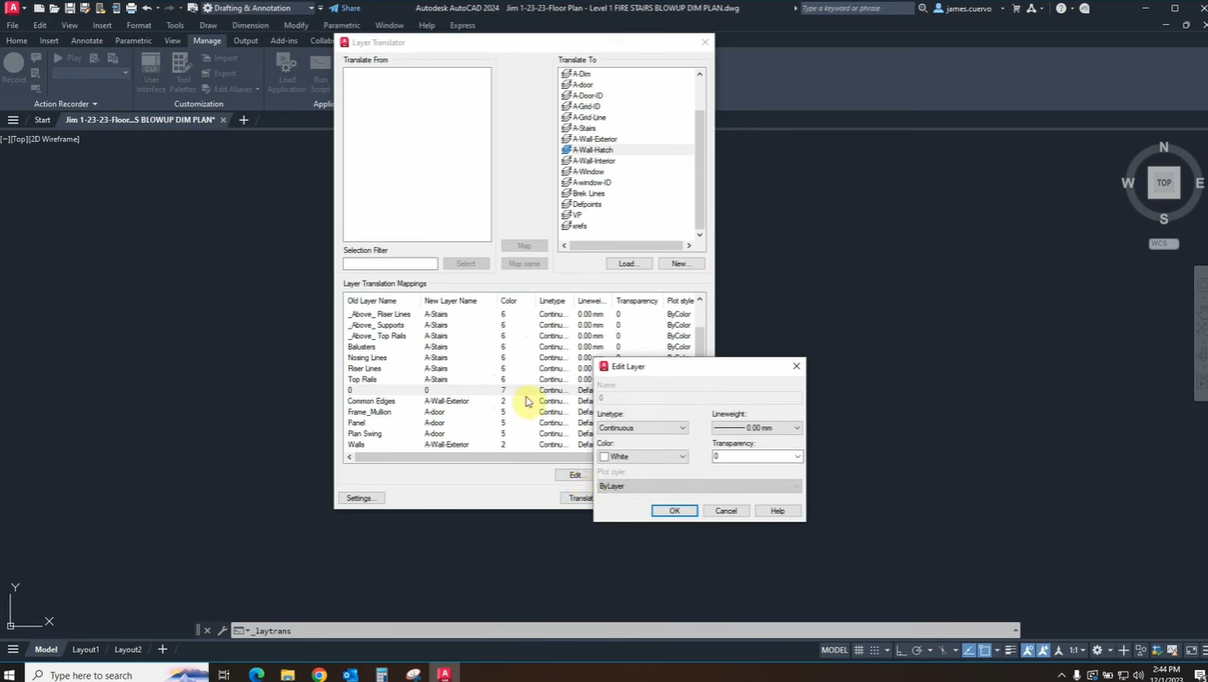
CAD Standards in AutoCAD: Part 3 – Standalone Batch Standards Checker
Join our Senior AEC Technical Specialist, James Cuervo, as he shows us how to create your own CAD Standards in AutoCAD. In this post, we discuss the Standalone Batch Standards Checker. This is part 3 of a multi-part series that will dive deeper into this topic. Part 1: Click Here Part 2: Click Here For more information,…
Read more POSTED BY
James Cuervo
April 11, 2024
CAD Standards in AutoCAD: Part 2 – CAD Standards Checker
Join our Senior AEC Technical Specialist, James Cuervo, as he shows us how to create your own CAD Standards in AutoCAD. In this post, we discuss the CAD Standards Checker. This is part 2 of a multi-part series that will dive deeper into this topic. Part 1: Click Here Part 3: Click Here For more information, please…
Read more POSTED BY
James Cuervo
January 23, 2024
CAD Standards in AutoCAD: Part 1 – Layer Translator
Join our Senior AEC Technical Specialist, James Cuervo, as he shows us how to create your own CAD Standards in AutoCAD. In this part, we discuss the Layer Translator. This is part 1 of a multi-part series that will dive deeper into this topic. Part 2: Click Here Part 3: Click Here For more information, please contact…
Read more POSTED BY
James Cuervo
November 20, 2023
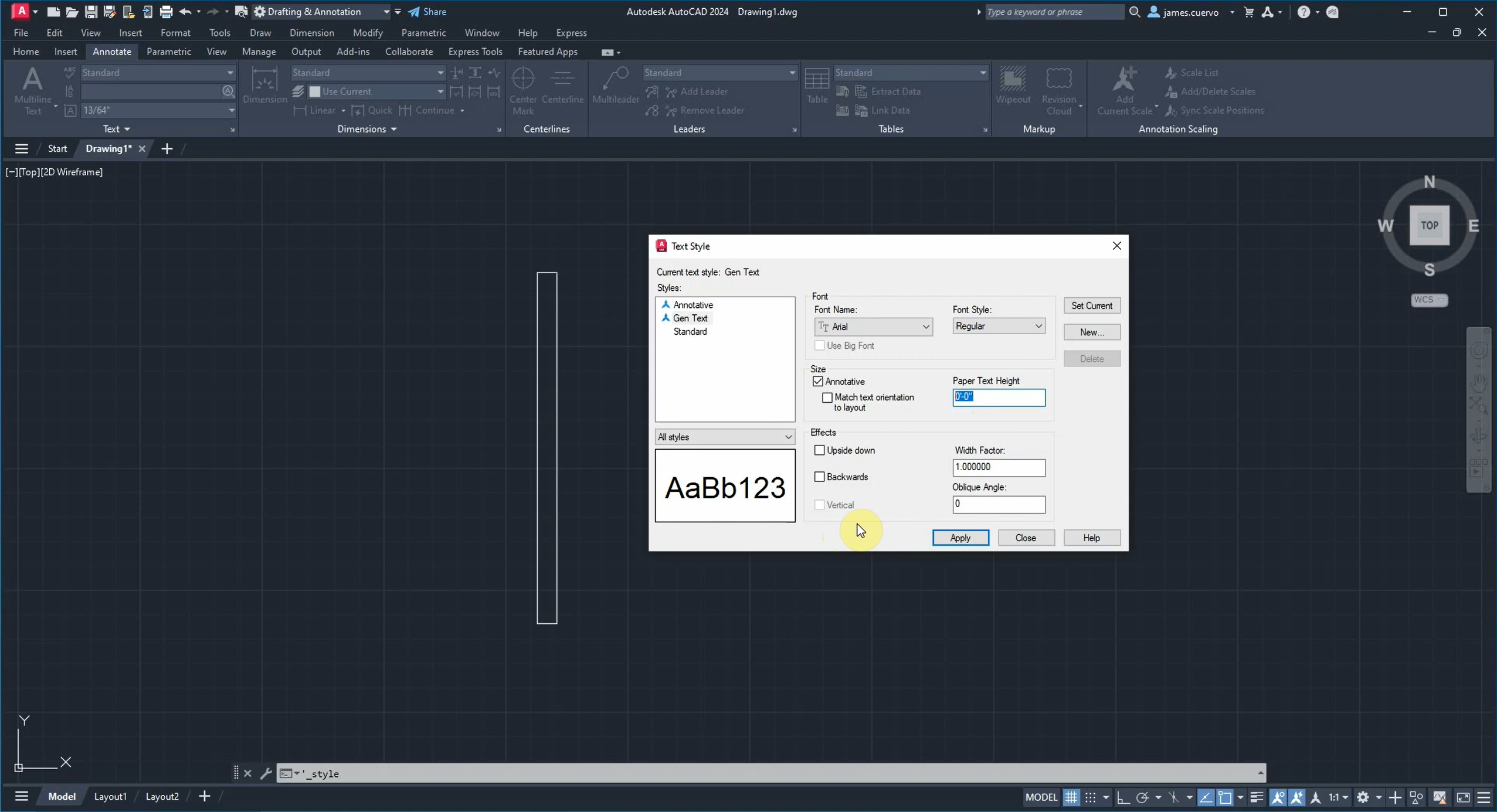
Recover, Audit, and Purge with AutoCAD
Join our Senior AEC Technical Specialist, James Cuervo, as he shares some best practices for keeping your AutoCAD files running smoothly using the Recover, Audit, and Purge commands in AutoCAD. For more information, please contact us at info@ddscad.com.
Read more POSTED BY
James Cuervo
November 10, 2023
Design Center Basics in AutoCAD
Join our Senior AEC Technical Specialist, James Cuervo, as he shows us the basics of the Design Center. This includes a safer alternative to copy and paste across sessions of AutoCAD by exporting and importing blocks. For more information, please contact us at info@ddscad.com.
Read more POSTED BY
James Cuervo

November 9, 2023
Pattern-Based Curtain Walls with Revit – Part 3
In this three-part series, we explore pattern-based curtain walls while using Dynamo to enhance our designs. After using Dynamo to enhance our family, we can now associate it with a project’s assets. Our intricate patterns are now part of the model. For more information, please contact us at info@ddscad.com Part 1: https://ddscad.com/pattern-based-curtain-walls-with-revit-part-1/Part 2: https://ddscad.com/pattern-based-curtain-walls-with-revit-part-2/
Read more POSTED BY
James Cuervo

November 9, 2023
Pattern-Based Curtain Walls with Revit – Part 2
In this three-part series, we explore pattern-based curtain walls while using Dynamo to enhance our designs. We continue and utilize Dynamo in order to create a linked Dynamo project. Revit can then take this data and expedite the process. For more information, please contact us at info@ddscad.com Part 1: https://ddscad.com/pattern-based-curtain-walls-with-revit-part-1/Part 3: https://ddscad.com/pattern-based-curtain-walls-with-revit-part-3/
Read more POSTED BY
James Cuervo

November 9, 2023
Pattern-Based Curtain Walls with Revit – Part 1
In this three-part series, we explore pattern-based curtain walls while using Dynamo to enhance our designs. We begin by creating a new Family with a pattern that can be customized. Then, we add it to a Curtain Wall and adjust its parameters. For more information, please contact us at info@ddscad.com Part 2: https://ddscad.com/pattern-based-curtain-walls-with-revit-part-2/Part 3: https://ddscad.com/pattern-based-curtain-walls-with-revit-part-3/
Read more POSTED BY