

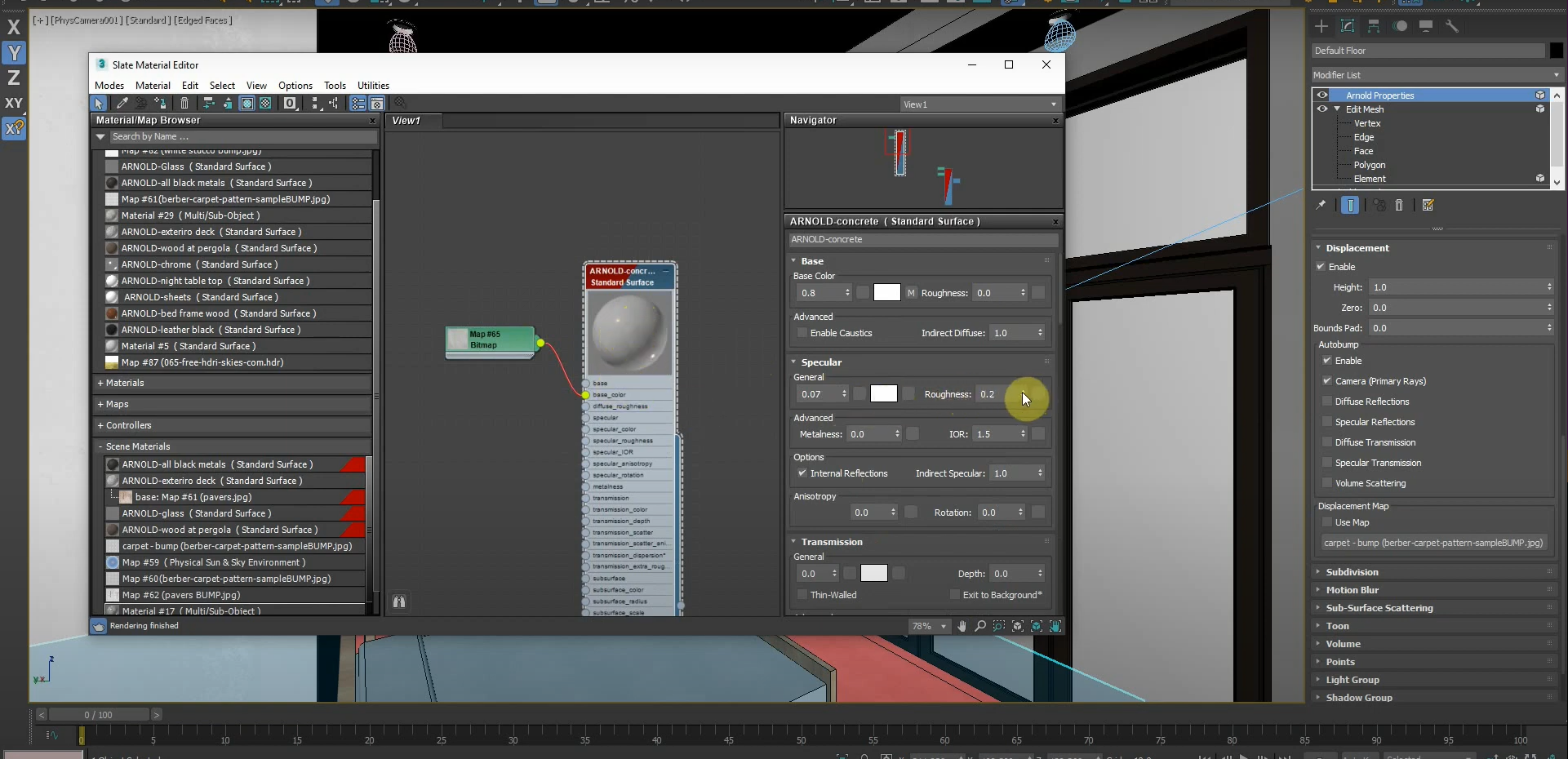
March 5, 2021
Revit to 3ds Max with Arnold Render Workflow – Part 3
This is the third part of our four-part series. While we could use the materials that are imported with our model and use them with Arnold Render, we can also use Arnold’s native materials and create our renders quicker with 3ds Max. The settings we use for our materials affect object displacements and opacity. In…
Read more
POSTED BY
James Cuervo
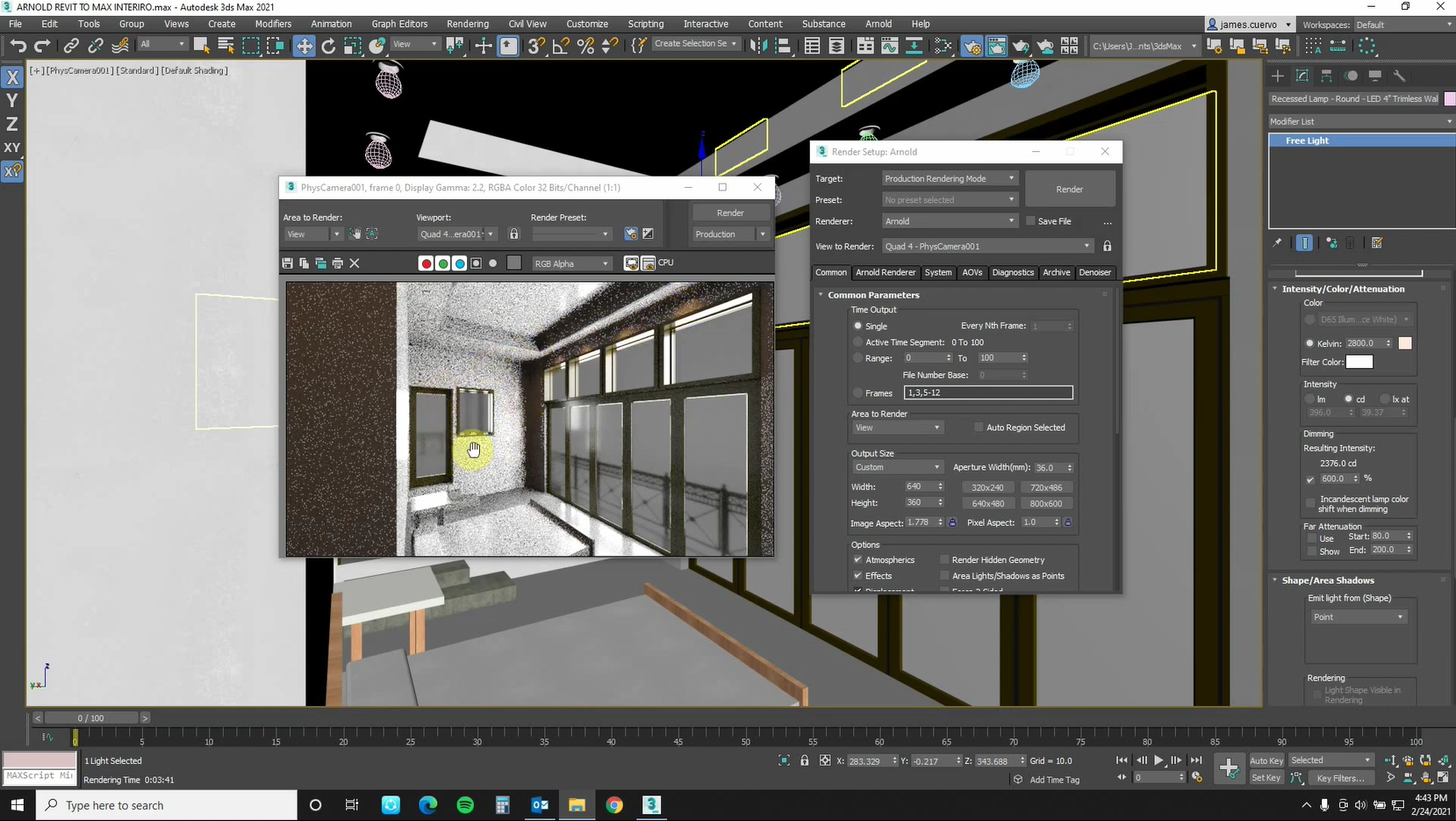
February 25, 2021
Revit to 3ds Max with Arnold Render Workflow – Part 2
This is the second part of our four-part series. Now that we’ve exported our geometry from Revit to 3ds Max, we can begin to fine-tune our lighting. This will set us up for success in subsequent parts of this series that deal with materials and Arnold Rendering. Managing and changing our lights is easy when…
Read more POSTED BY
James Cuervo
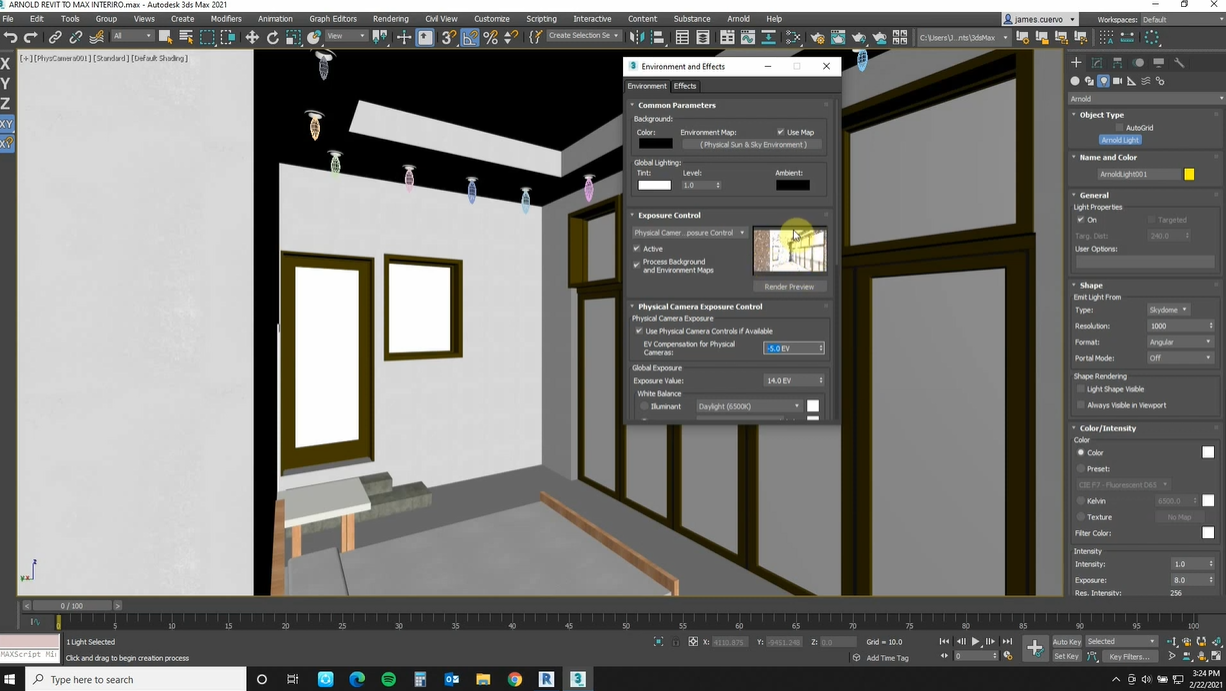
February 23, 2021
Revit to 3ds Max with Arnold Render Workflow – Part 1
It can be daunting to move our models from Revit to 3ds Max, especially when they have thousands of parts. Luckily, we can break our model down into portions of geometry that can be imported into 3ds Max. The “File Link Manager” in 3ds Max makes this process seamless. The “Arnold” default render engine is used…
Read more POSTED BY
James Cuervo
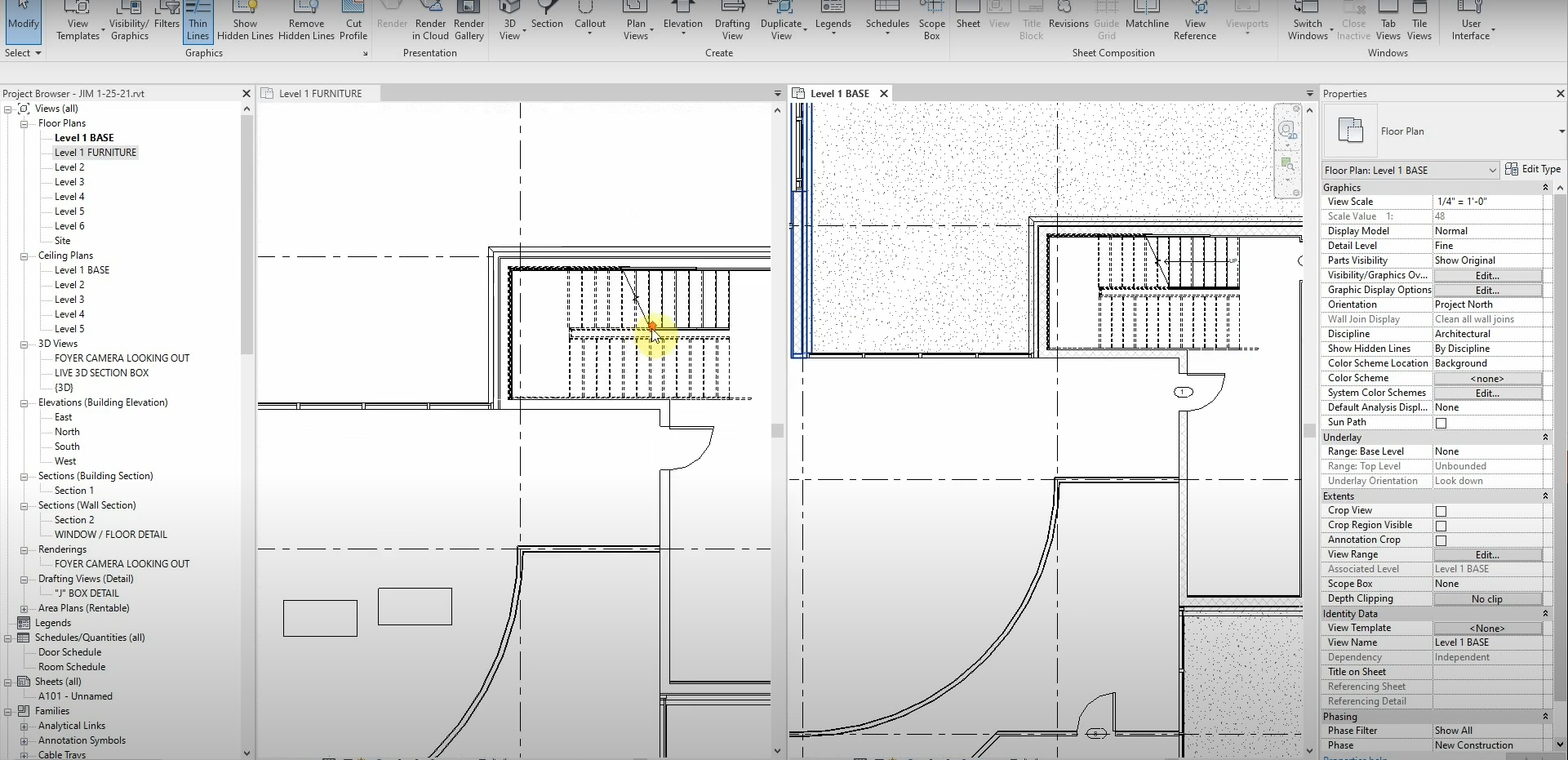
February 4, 2021
View Types in Revit
Working with view types and duplicating views in Revit can be a bit confusing. Each way of duplicating views allows us to efficiently show specific information in our models. This tutorial explores the “How’s and Why’s” of using view types. There are several ways for us to duplicate our views in Revit. For example, standard…
Read more POSTED BY
James Cuervo
December 2, 2020
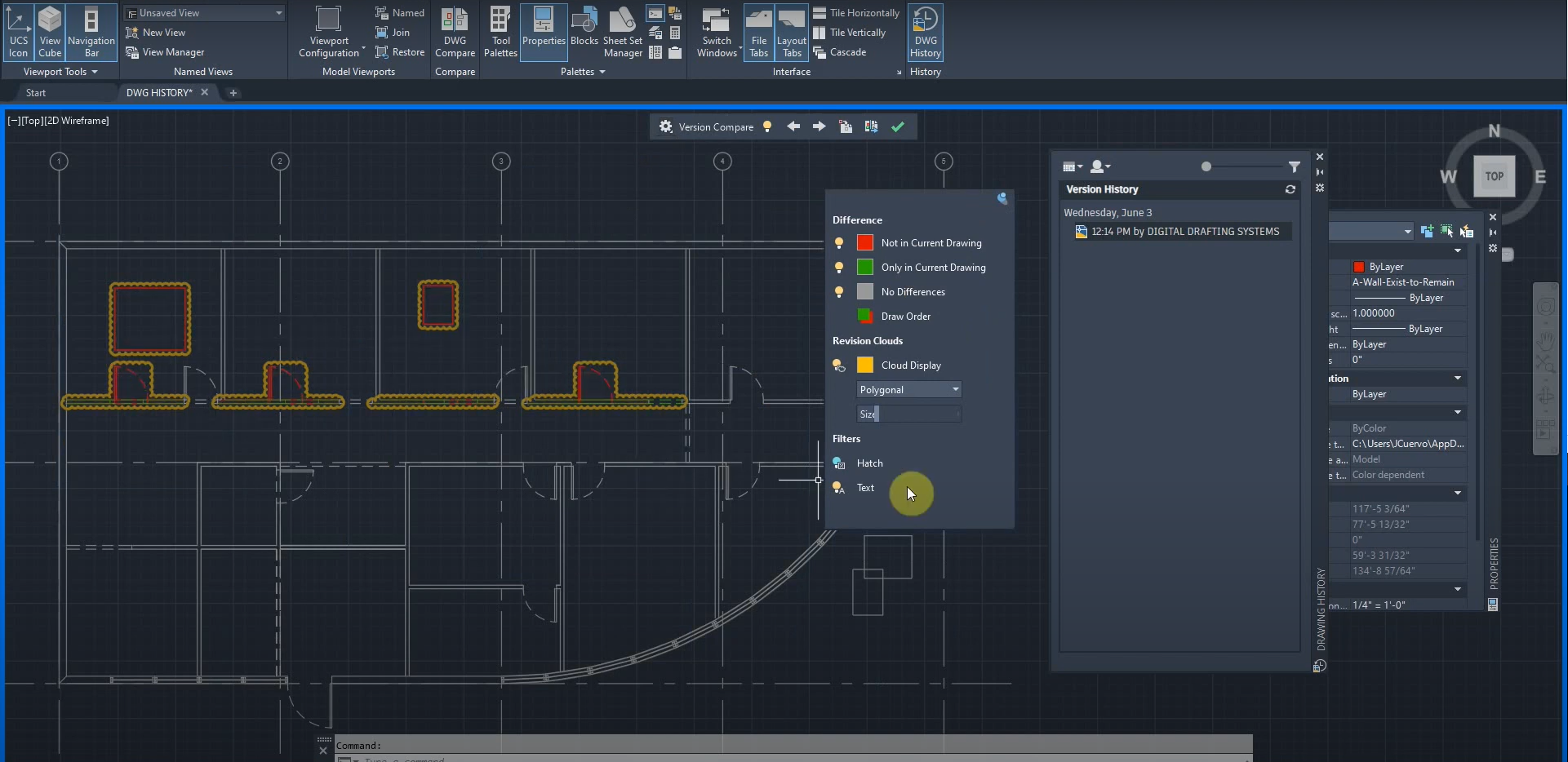
Drawing History in AutoCAD
NOTE: This article should be reviewed alongside our “XREF Compare” post: https://ddscad.com/xref-compare-in-autocad In order to keep track of milestones, we can make copies of our drawings and date them. Instead of having to open two drawings and compare them, we can use the “Drawing History” (Also known as DWG History) function to compare a drawing…
Read more POSTED BY
James Cuervo
December 2, 2020
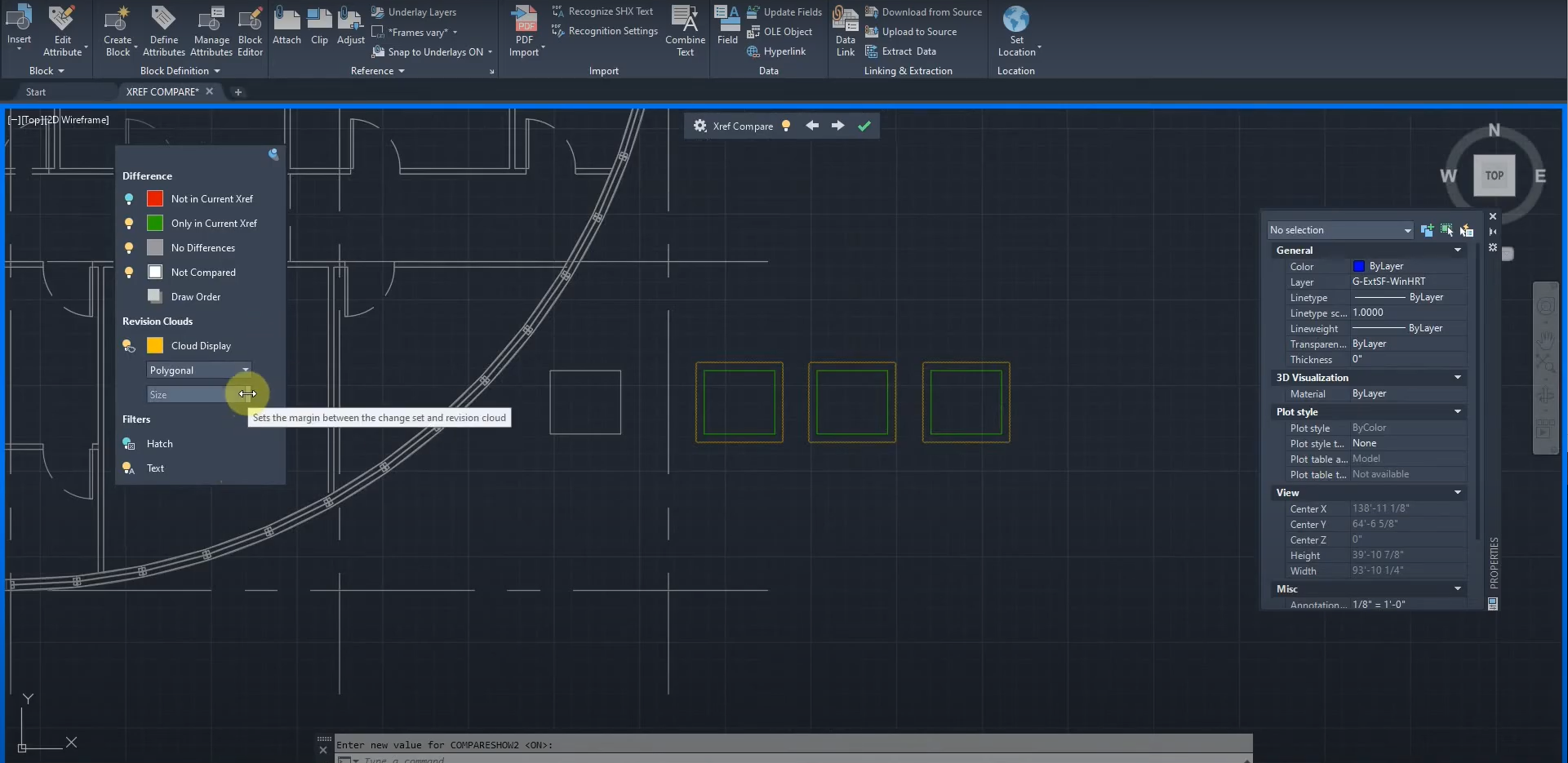
XREF Compare in AutoCAD
NOTE: This article should be reviewed alongside our “Drawing History” post: https://ddscad.com/drawing-history-in-autocad AutoCAD 2021 has several new features that give us more insight into our drawings. One of these features is the XREF Compare function. It allows us to compare two drawings with one another, and with special colors and controls, we can identify the…
Read more POSTED BY
James Cuervo
November 12, 2020
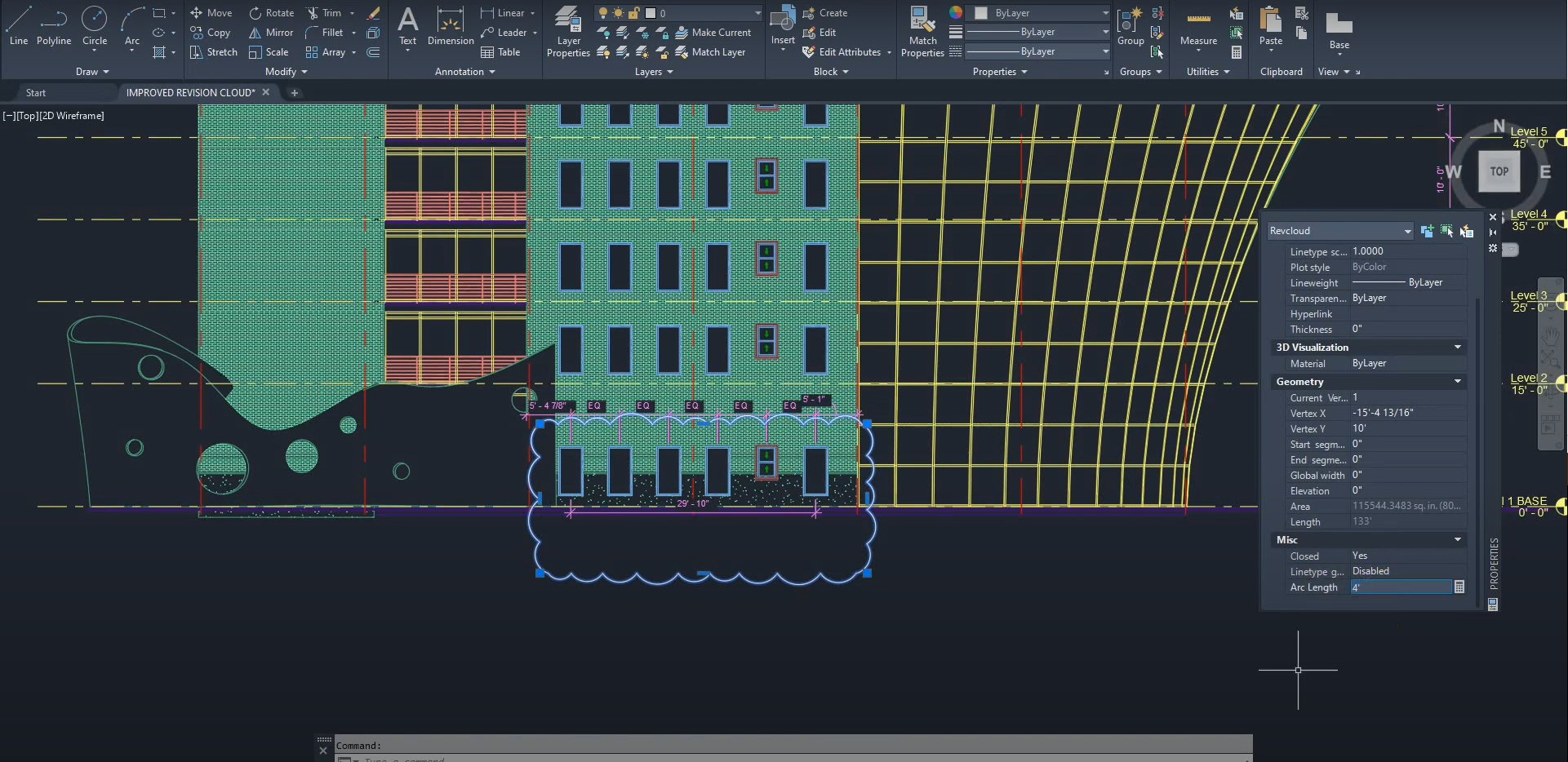
Revision Cloud Improvements in AutoCAD 2021
AutoCAD 2021 includes several new improvements, including changes to the Revision Cloud function. In AutoCAD 2021, we can modify the Revision Cloud style in Properties. Vertices can be added and removed in order to customize our Revision Clouds. We can also use more functions by right-clicking the cloud. Revision Clouds have been improved in AutoCAD…
Read more POSTED BY
James Cuervo
November 12, 2020
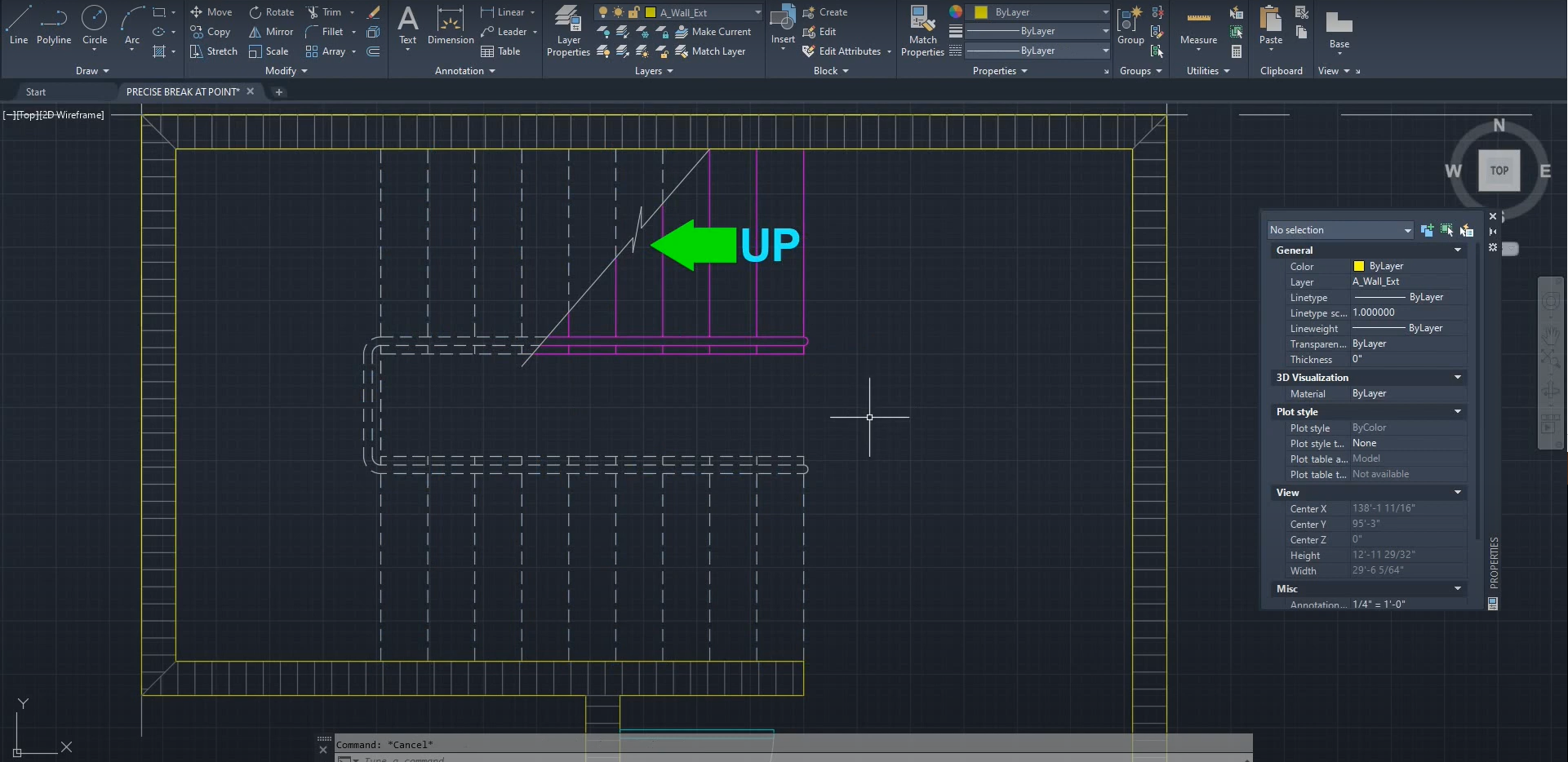
Break at Point Improvements in AutoCAD 2021
When using the “Break at Point” command in previous versions of AutoCAD, it would eventually prompt us to use “Break at Gap”. The commands have been separated, allowing for quicker breaks at specific points that don’t necessarily have gaps in-between them. We can use this function to quickly divide a part in half at a…
Read more POSTED BY
James Cuervo
October 28, 2020
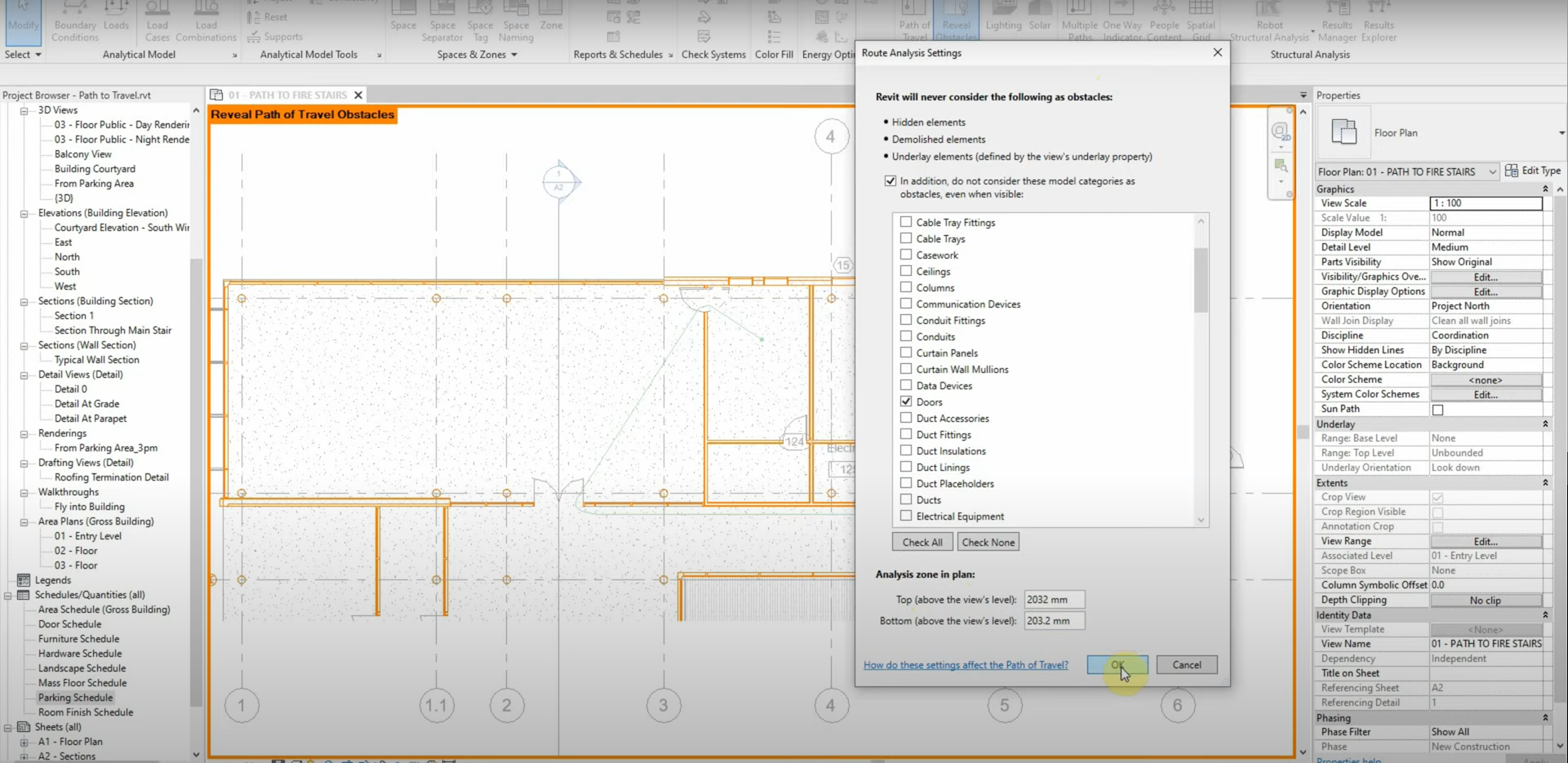
Path of Travel in Revit
Manually calculating the walking distance between rooms can be time-consuming. We can use the “Path of Travel” function to calculate the shortest route between rooms. Walls, openings, and other objects are taken into account and shown with the “Reveal Obstacles” function. We can even change which object categories are considered obstacles and which ones are…
Read more POSTED BY
James Cuervo
October 28, 2020
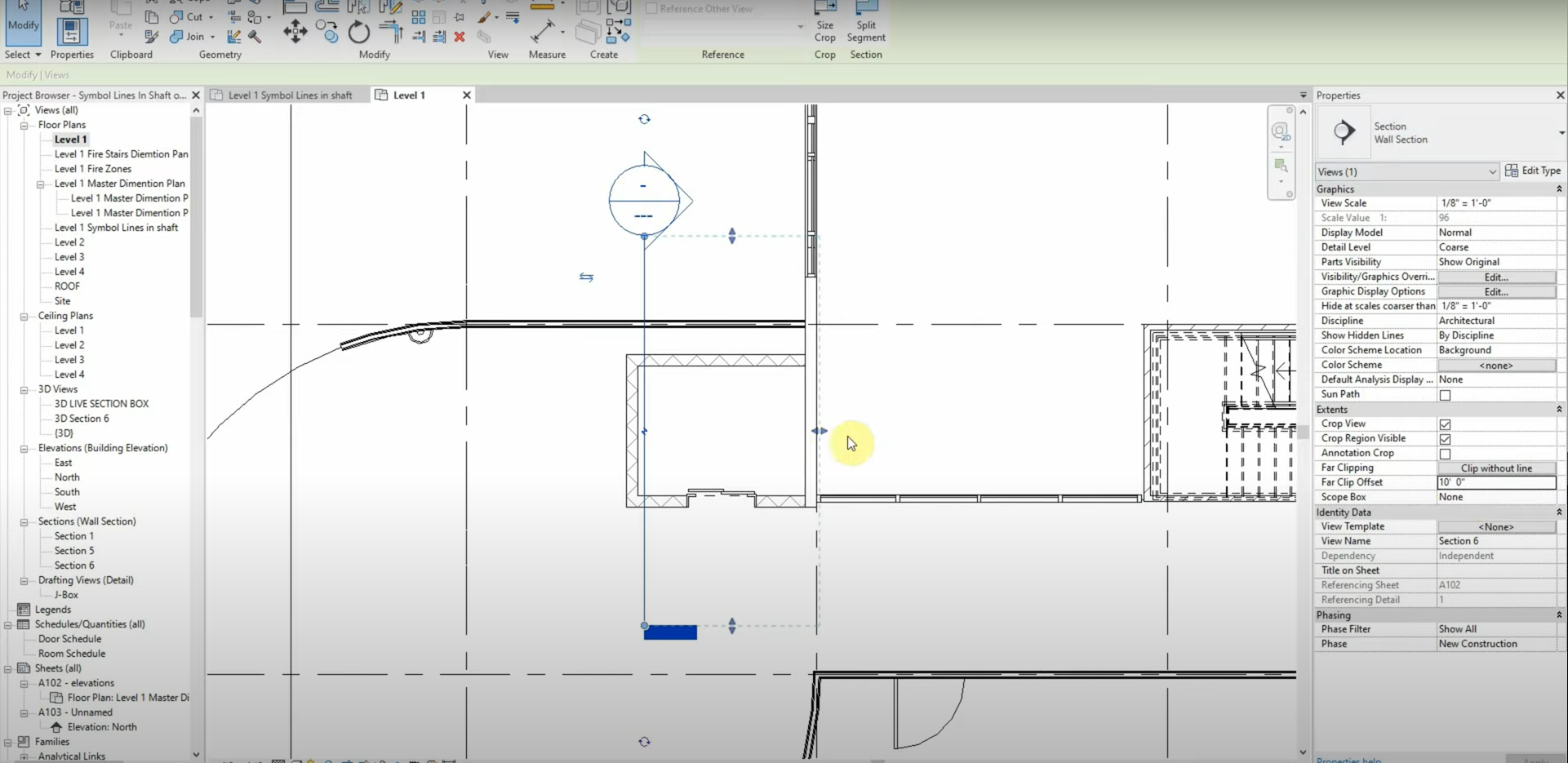
Section Extents & Symbolic Lines in Revit
Revit’s properties panel has an option to change the extents of a building section. The “Far Clip Offset” parameter changes the depth of our sections, and we can avoid dragging the section’s extents manually. When identifying an opening or symbol, we could use model lines and copy them throughout our levels. In order to save…
Read more POSTED BY